1
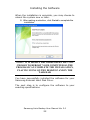
Installing the Software
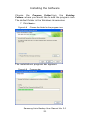
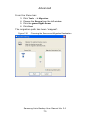
Choose the Destination Folder
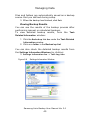
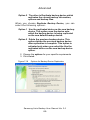
The following screen will determine where to install
the software. The default folder is C:\Program
Files\Clarus\Samsung Auto Backup.
6. You may click Browse and choose a different
folder or click Next>> to use the default destination
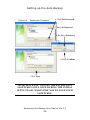
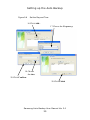
Figure 4-7
Choose the backup destination
Samsung Auto Backup User Manual Ver 2.0
20