1
SETTINGS & TOOLS
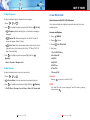
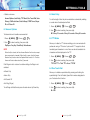
4. Select a submenu.
• Select Tone / Vibrate / Reminder.
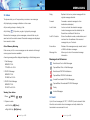
Master Volume, Call Sounds, Alert Sounds, Keypad Volume,
Earpiece Volume, Service Alerts, Power On/Off, Alarm Sounds
and Folder On/Off.
3.1 Master Volume
[MENU],
2. Adjust the volume with
2 times,
,
then press
to save the setting.
2 times,
,
[MENU],
2. Use
to select a ringtones then press
2 times,
,
1. Press
,
.
to save the sound.
,
,
.
2 times,
[MENU],
,
then press
.
to save the setting.
3.5 Earpiece Volume
To set the earpiece volume:
[MENU],
2. Adjust the volume with
2 times,
,
then press
.
to save the setting.
.
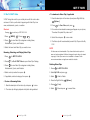
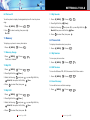
3.6 Service Alerts
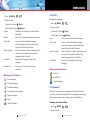
To set any of the three Alert options to either On or Off:
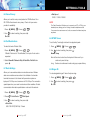
3.3 Alert Sounds
1. Press
To select the alert type for a new message:
2 times,
,
.
• Select TXT Message / PIX-FLIX Msg / Voicemail Msg.
Use
.
• Use
to select Once / Every 2 Minutes / Every 15
Minutes / Off then press
.
1. Press
2 times,
2. Use
to select a setting, then press
On / Off
[MENU],
to select On / Off then press
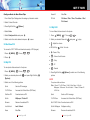
To set the keypad volume:
.
3.2.2 Call Vibrate
1. Press
.
2. Adjust the volume with
1. Press
[MENU],
to select a ringer, then press
3.4 Keypad Volume
3.2.1 Call Ringtone
1. Press
• Use
3. Reminder
.
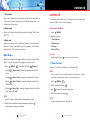
Allows you to set ringtones for types of incoming calls.
[MENU],
.
1. Tone
• Use
3.2 Call Sounds
1. Press
to select then press
2. Vibrate
Allows you to set volume settings.
1. Press
Use
to select then press
.
G’zOne Type-V 73
[MENU],
2 times,
,
2. Select an alert option.
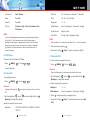
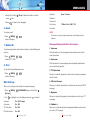
ERI
Alerts you to the status of cellular service.
G’zOne Type-V 74
.