1
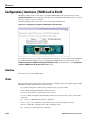
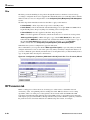
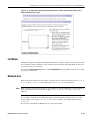
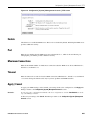
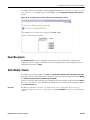
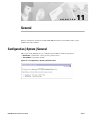
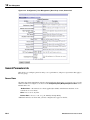
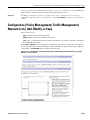
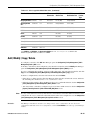
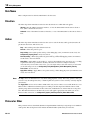
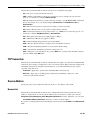
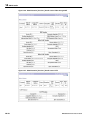
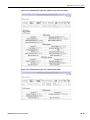
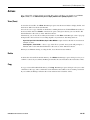
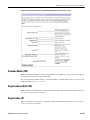
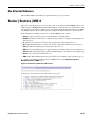
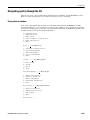
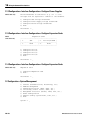
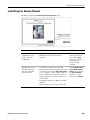
Configuration | Interfaces | WAN Card in Slot N | Port A B as T1 or E1
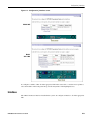
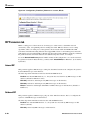
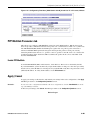
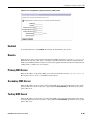
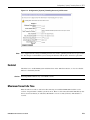
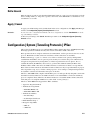
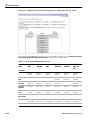
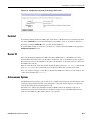
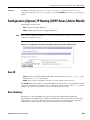
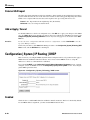
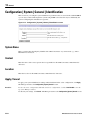
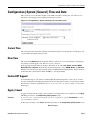
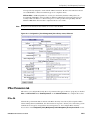
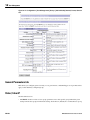
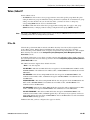
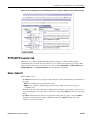
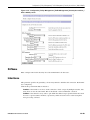
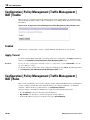
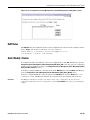
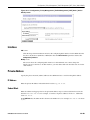
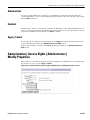
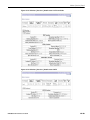
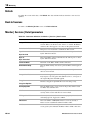
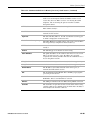
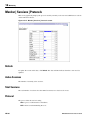
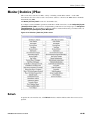
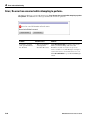
Figure 3-8: Configuration | Interfaces | WAN Card in Slot N | Port A B as T1 or E1 screen, IP tab
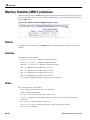
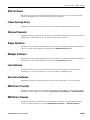
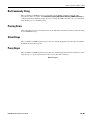
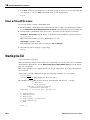
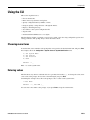
IP Parameters tab
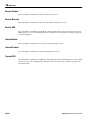
This tab lets you configure IP address, subnet mask, public interface status, and filter.
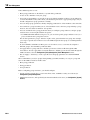
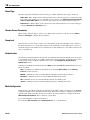
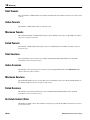
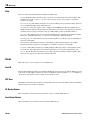
Enabled
To make the WAN interface functional and online, check Enabled. If not enabled, the interface is offline;
this state lets you retain or change its configuration parameters while it is offline.
If the WAN port is configured but disabled (offline), all four Port LEDs on the WAN module blink in
unison.
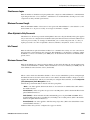
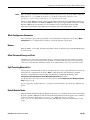
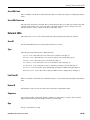
IP Address
Enter the IP address for this interface, using dotted decimal notation (e.g., 192.168.12.34). Note that
0.0.0.0 is not allowed. Be sure no other device is using this address on the network.
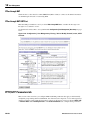
Subnet Mask
Enter the subnet mask for this interface, using dotted decimal notation (e.g., 255.255.255.0). The
Manager automatically supplies a standard subnet mask appropriate for the IP address you just entered.
For example, the IP address 192.168.12.34 is a Class C address, and the standard subnet mask is
255.255.255.0. You can accept this entry or change it. Note that 0.0.0.0 is not allowed.
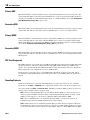
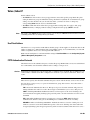
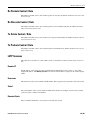
Public Interface
To make this interface a public interface, check the box. (The box is checked by default.) A public
interface is an interface to a public network, such as the Internet. You must configure a public interface
before you can configure NAT and IPSec LAN-to-LAN, for example. You should designate only one
VPN Concentrator interface as a public interface.
VPN 3000 Concentrator Series User Guide
3-17