1
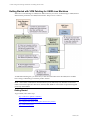
Getting Started with VCM Patching
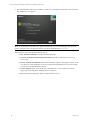
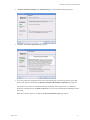
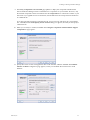
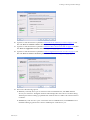
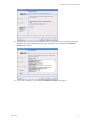
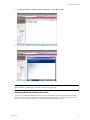
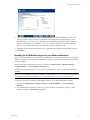
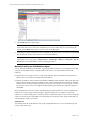
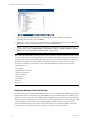
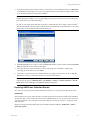
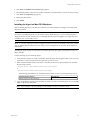
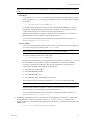
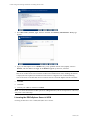
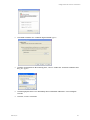
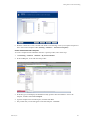
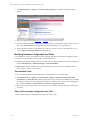
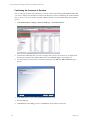
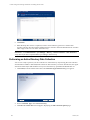
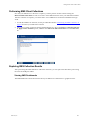
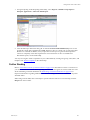
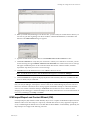
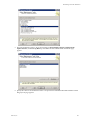
5. Read the confirmation screen, and then click Finish. VCM Patching creates your template and places it
in the Assessment Templates folder (Patching | Windows | Assessment Templates).
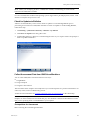
Create an Affected Product Template
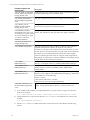
To create a template based on bulletins related to a specific product, follow these steps.
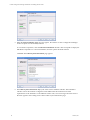
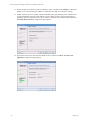
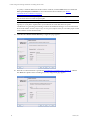
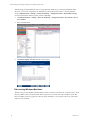
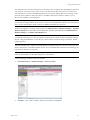
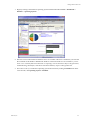
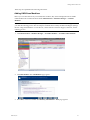
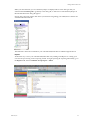
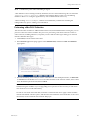
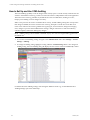
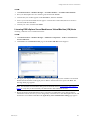
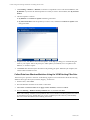
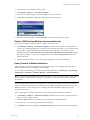
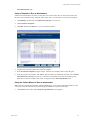
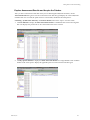
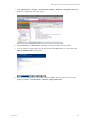
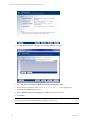
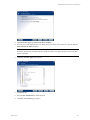
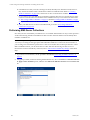
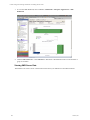
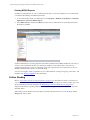
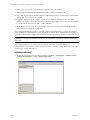
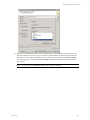
1. Click Patching | Windows | Bulletins | By Affected Product.
2. In the middle pane, locate and select the product.
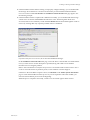
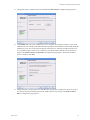
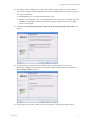
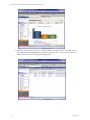
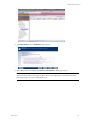
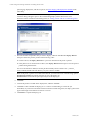
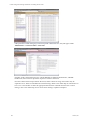
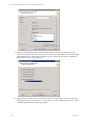
3. In the data grid, VCM displays the bulletins listed by product. Select the bulletin to use for the
template, and then click Create Template.
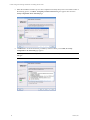
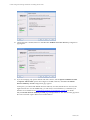
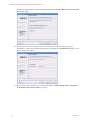
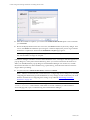
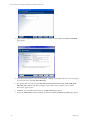
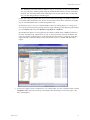
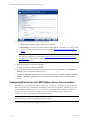
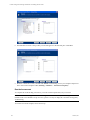
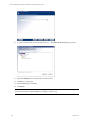
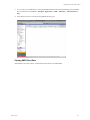
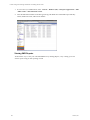
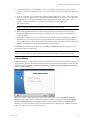
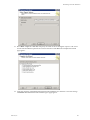
4. Type the template name and description, and then click Next.
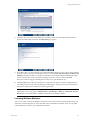
5. The product that you selected appears in the Selected pane. Click Next.
VMware, Inc.
163