1
Getting Started with VCM for Active Directory
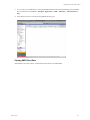
Active Directory Reports
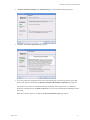
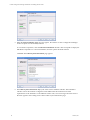
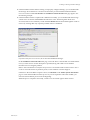
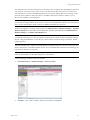
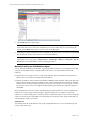
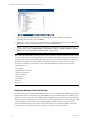
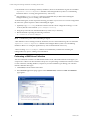
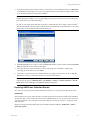
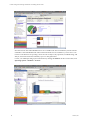
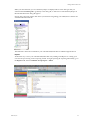
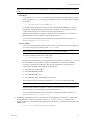
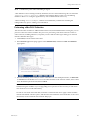
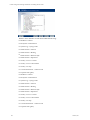
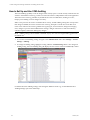
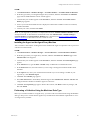
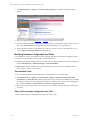
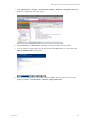
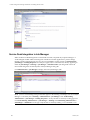
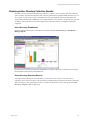
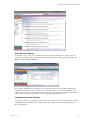
An alternative way to view your collected AD data is by running VCM Reports or creating your own
custom reports using VCM’s reporting wizard. To begin exploring VCM’s Reporting functionality, click
Reports | Active Directory Reports.
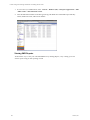
Like VCM for AD Dashboards, AD Reports are run real-time against the current data available in the
CMDB, therefore they are only as current as of the time that the data was collected. In addition, it may
require time for the report to generate based upon the volume or complexity of the data requested. Refer
to the online Help for more information on how to schedule and disseminate reports.
Compliance for Active Directory
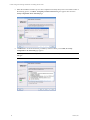
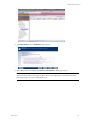
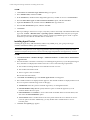
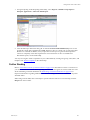
You may now begin to run Compliance against your collected data. To run a Compliance check, click the
Compliance slider, and then follow the steps provided in the online Help to create rule groups, rules,
filters, and templates.
VMware, Inc.
225