1
Reference manual
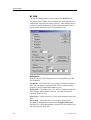
Print Setup
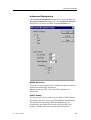
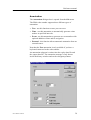
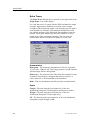
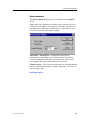
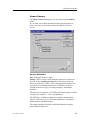
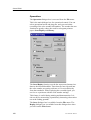
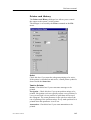
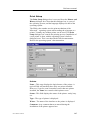
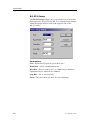
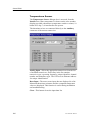
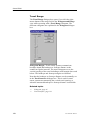
The Print Setup dialogue box is accessed from the Printer and
History dialogue box. Note that this dialogue box is a part of
the operating system, and the language displayed is that of the
operating system.
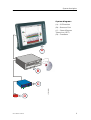
The ES60 echo sounder uses the print mechanism of the
Microsoftt operating system when sending the echogram to a
printer. Virtually any modern printer can be used. This Print
Setup dialogue box controls the printing process. Installation of
a new printer is done with the operating system’s built-in
dialogue boxes. This is not described in this documentation.
Refer to the operating system’s documentation.
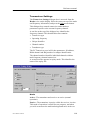
Printer
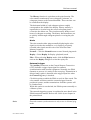
Name - This entry displays the logical name of the printer. A
typical ES60 will normally have only one printer installed.
However, if you for some reason have more than one printer
installed, the Name box controls which printer to use.
Status - This field displays the status of the printer: ready, busy
etc.
Type - The type of printer is displayed.
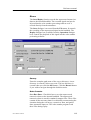
Where - The name of the interface to the printer is displayed.
Comment - Any comment that was entered during the
installation of the printer appears here.
857-160970 / Rev.H
107