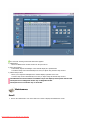
1
Information
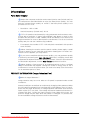
Power Off, Screen Saver, or Power Save Mode
•
Turn the power off for 4 hours after 20 hours in use
•
Turn the power off for 2 hours after 12 hours in use
•
Set the Monitor to power off with the PC Display Properties Power Scheme.
•
Use a Screen saver if possible - Screen saver in one color or a moving
image is recommended.
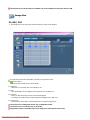
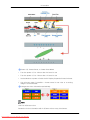
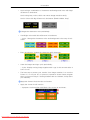
Change the Color Information periodically
Note
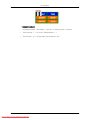
Use Two different colors
Rotate the Color Information with 2 different colors every 30 minutes.
119
Downloaded From TV-Manual.com Manuals