1
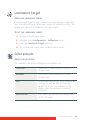
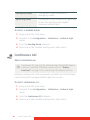
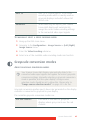
Emergency Room
Corresponds to light conditions in
emergency rooms.
Operating Room
Corresponds to light conditions in operating
rooms. This setting has the highest
maximum ambient light.
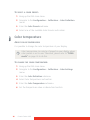
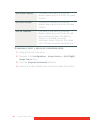
TO SELECT A READING ROOM:
1 Bring up the OSD main menu.
2 Navigate to the Configuration > Calibration > Ambient Light
menu.
3 Enter the Reading Room submenu.
4 Select one of the available reading rooms and confirm.
Continuous ALC
ABOUT CONTINUOUS ALC
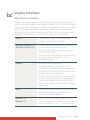
Continuous ALC can only be selected when the DICOM display
function is selected. Therefore, please refer to “Display
functions” on page 39 to correctly set the display function.
Enabling continuous ALC will continuously recalulate the DICOM display
function taking the averaged ambient light into account.
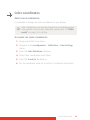
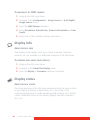
TO SELECT CONTINUOUS ALC:
1 Bring up the OSD main menu.
2 Navigate to the Configuration > Calibration > Ambient Light
menu.
3 Enter the Continuous ALC submenu.
4 Select one of the available reading rooms and confirm.
42
Coronis Fusion 6MP