1
© proDAD, 2006
Description
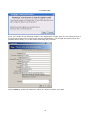
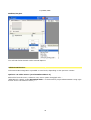
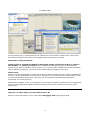
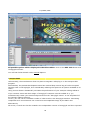
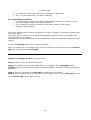
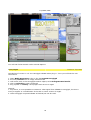
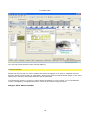
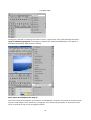
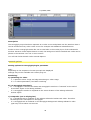
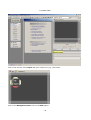
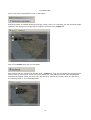
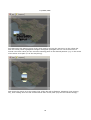
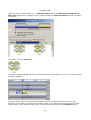
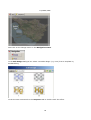
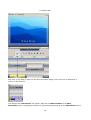
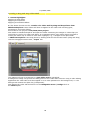
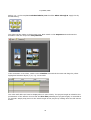
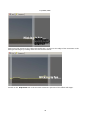
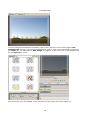
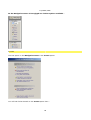
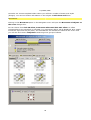
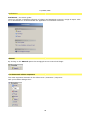
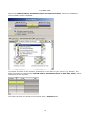
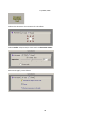
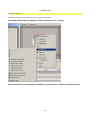
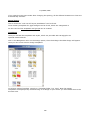
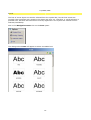
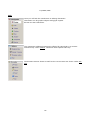
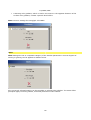
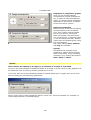
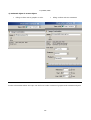
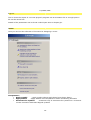
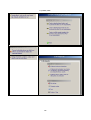
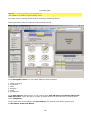
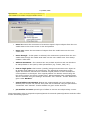
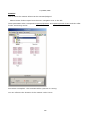
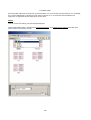
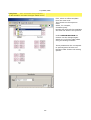
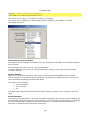
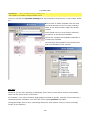
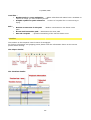
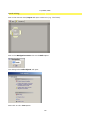
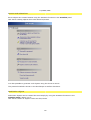
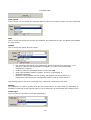
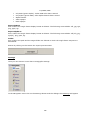
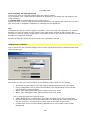
The Heroglyph project has been imported as a video source and placed into the timeline. Now it
can be handled as every other video source for example with additional videoeffects etc.
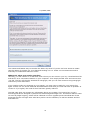
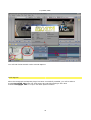
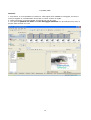
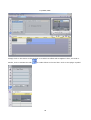
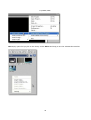
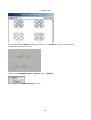
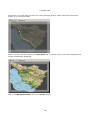
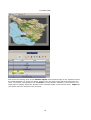
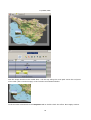
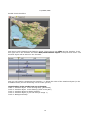
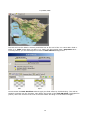
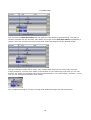
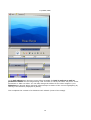
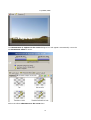
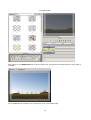
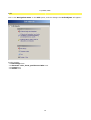
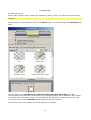
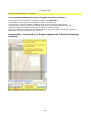
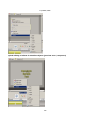
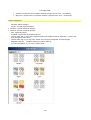
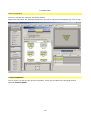
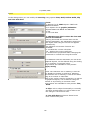
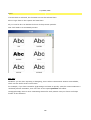
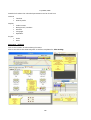
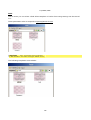
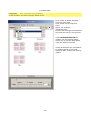
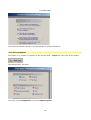
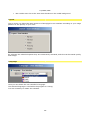
Further to this a Heroglyph media file can be used also in the overlay layer of the Videostudio
timeline. Because 32 Bit alpha channel is used, the background will be masked and a title can be
placed in the timeline over one or more scenes.
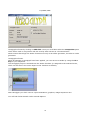
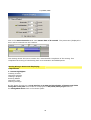
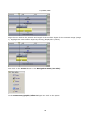
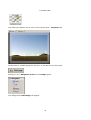
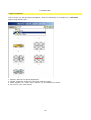
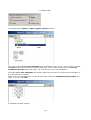
You will find further details under General Options.
General options
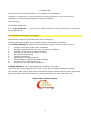
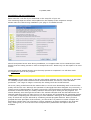
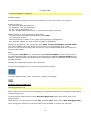
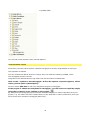
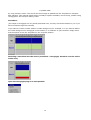
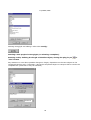
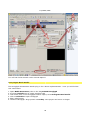
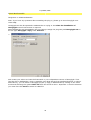
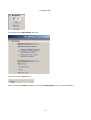
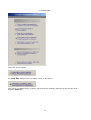
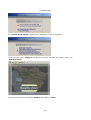
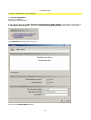
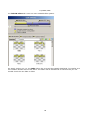
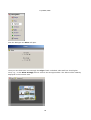
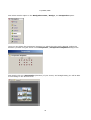
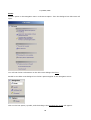
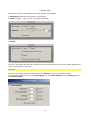
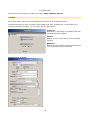
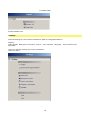
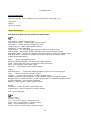
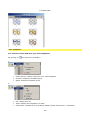
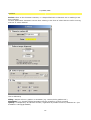
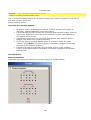
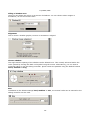
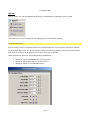
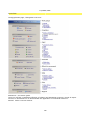
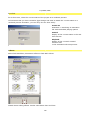
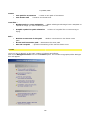
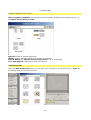
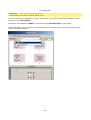
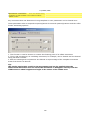
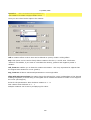
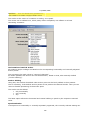
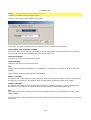
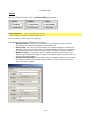
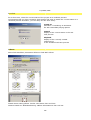
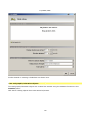
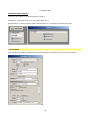
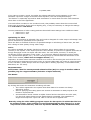
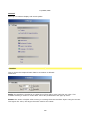
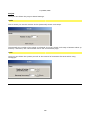
Setting options for Heroglyph plug-in parameter
Note:
depending on the respective function principle the displayed
settings may not be available with certain plug-ins.
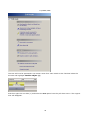
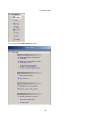
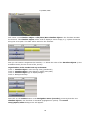
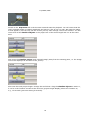
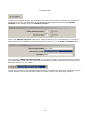
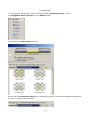
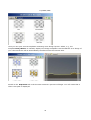
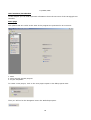
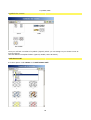
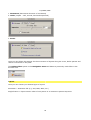
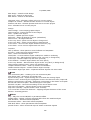
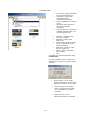
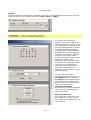
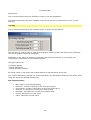
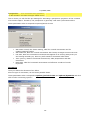
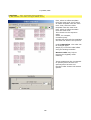
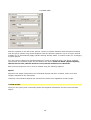
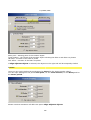
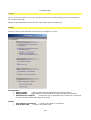
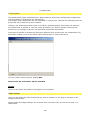
Rendering:
a) optimizing for video
? on = optimizes colour range and edge smoothing on video usage
? off = no video optimization, but faster rendering
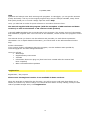
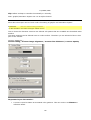
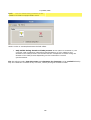
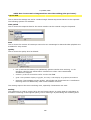
b) use Heroglyph time basis
on = Heroglyph is used as time basis and Heroglyph's timeline is "trimmed" at the end of
?
the timeline object in the editing software
off = Heroglyph's timeline is adjusted to the entire duration of the editing software's
?
timeline object.
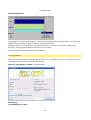
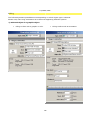
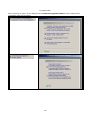
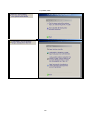
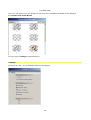
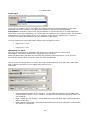
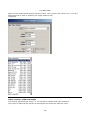
c) Composite (not in all plug-ins)
on = Heroglyph title is rendered on the editing software's background video. Therefore,
?
the background is transparent in Heroglyph
off = Heroglyph title is rendered on the Heroglyph background. Editing software's video
?
signal may not be taken into account
36