1
RF-[model#] RF-BCD2
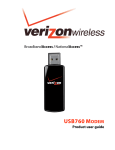
Using your USB broadband
device
Setting up the Connection Manager software
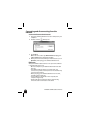
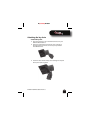
To set up the Best Buy Connect software:
1 Log on to your PC as an administrator.
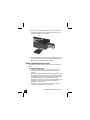
2 Plug your USB broadband device into a USB port on your
PC.
3 In Windows: Run setup.exe to install the Best Buy Connect
software. After installation, you may need to restart
your PC.
OR
In MAC OS: Open BestBuyConnect icon, then double click
the MAC Installer to begin software installation.
4 Click Activate, then follow the on-screen instructions to
select your service plan.
RF-BCD2 USB Broadband Device
9