1
StellaF1EN-3_FM.book Page 47 Monday, November 12, 2001 11:38 AM
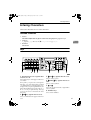
Quick Dial
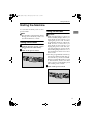
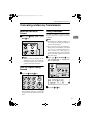
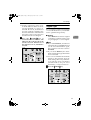
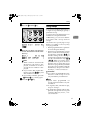
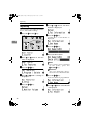
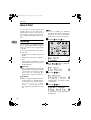
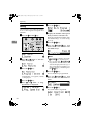
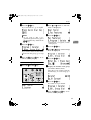
E Press the {OK}} key.
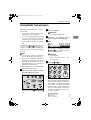
H Press the {OK}} key.
The fax number is programmed.
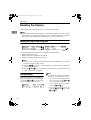
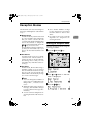
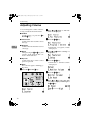
F Display the number of the Quick
Dial key you want to register.
Press a Quick Dial key, or search
using 0 or 1.
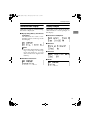
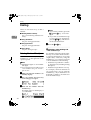
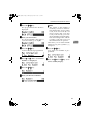
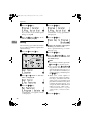
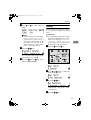
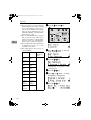
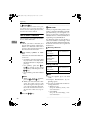
I Enter the destination name.
3
Note
❒ If a Quick Dial has already been
registered, the contents are displayed. Press 0 or 1 to select a
Quic k Dial that is not pro grammed, and then press the
{OK}
} key.
G Enter a fax number with the number keys.
Note
❒ Under rare circumstances, garbled characters may appear
during name registration if you
use the { Pause/Redial}
} key to
display the fax number of parties located in other countries. If
this happens, simply delete the
garbled characters using 0 or
1 and the { Clear/Stop}
} keys,
then go on to enter the name.
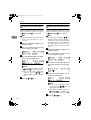
J Press the {OK}} key.
The name is programmed.
Note
❒ If you make a mistake, press the
{Clear/Stop}
} key and try again.
❒ If you press the {Pause/Redial}
}
key, the last 10 fax numbers dialed are displayed. Press 0 or
1 to select the fax number you
want to specify, and then press
the {OK}
} key.
❒ Make sure a Dial Option is
stored in one of the User Function keys, and then enter the
other party's fax number, and
then press the User Function
key that contains the Dial Option. You can specify SUB or
SEP, SID and PWD. See p.25
“SEP Code”, <Advanced Features> or p.26 “SUB Code”,
<Advanced Features> .
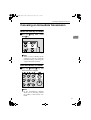
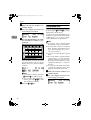
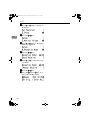
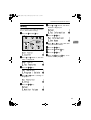
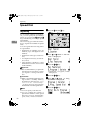
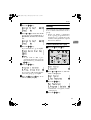
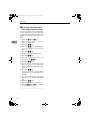
K Press
0 or 1 to select "On" or
"Off".
Note
❒ Label insertion allows the receiver's name that is program m ed in Qu ic k Dial or
Speed Dial to be printed on the
fax when it is received at the
other end. See p.8 “Label Insertion”, <Advanced Features> .
47