1
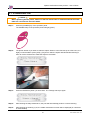
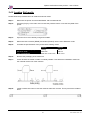
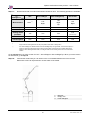
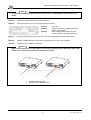
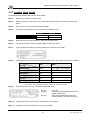
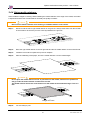
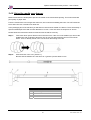
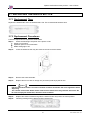
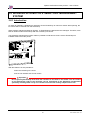
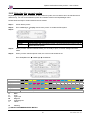
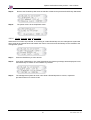
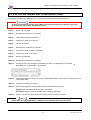
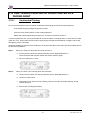
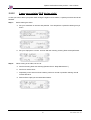
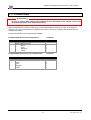
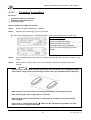
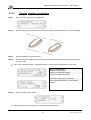
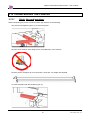
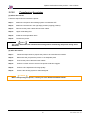
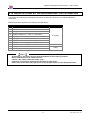
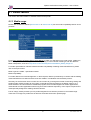
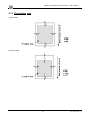
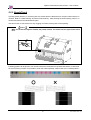
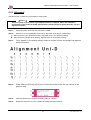
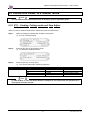
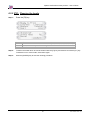
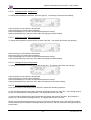
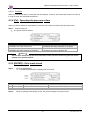
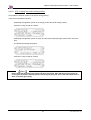
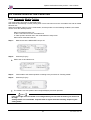
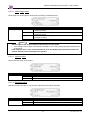
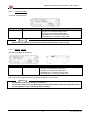
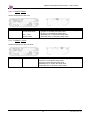
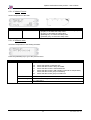
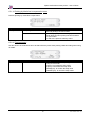
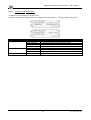
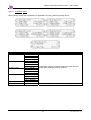
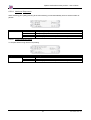
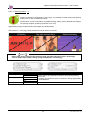
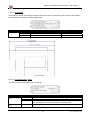
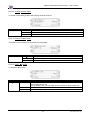
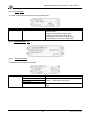
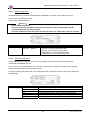
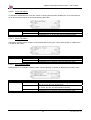
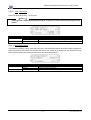
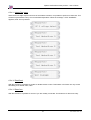
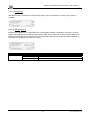
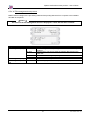
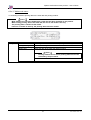
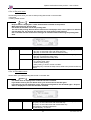
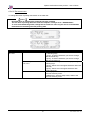
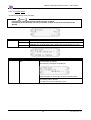
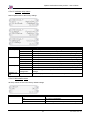
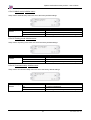
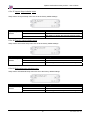
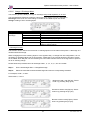
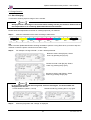
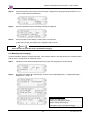
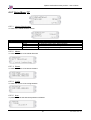
Spitfire 100 Extreme series printers Users Guide Notes In case you have selected the wrong head, select the head again. The head number will disappear from the list. Current Selection (Head 1,4 and 8) Deselect head 8 by pressing the F1 key again. Press the [F3] button until Discharge is displayed Remove cassette 1, 2, 7, 8, 13, 14 Notes Please refer to the table below to be sure the correct cassettes are pulled out. Most left cassette is cassette number 1. Cassette Head 1 1 2 Head 2 3 4 Head 3 5 6 Head 4 7 8 Head 5 9 10 Head 6 11 12 Head 7 13 14 Head 8 15 16 Press the [F4] key to proceed to the next display. Following message will appear Change the discharge (pump) time with the F2 or F4 key. Confirm with the ENTER key. Remove the ink cassettes displayed. The discharge will start. An air bubble will be created in the tubings. Following message will appear: Notes Please be sure to leave the cover closed while charging. The printer will go back to its status screen after the discharge has been done. 157 AP-75194 - Rev. 2.2