1
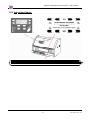
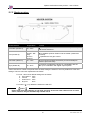
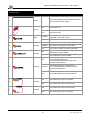
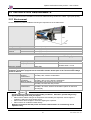
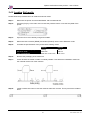
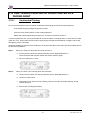
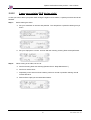
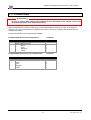
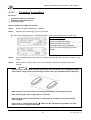
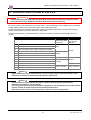
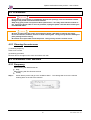
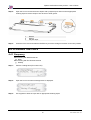
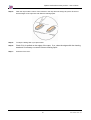
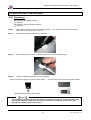
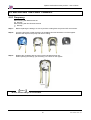
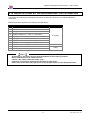
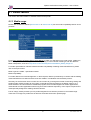
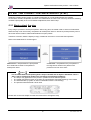
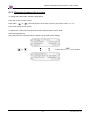
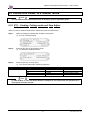
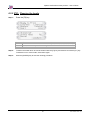
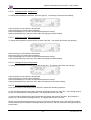
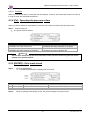
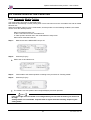
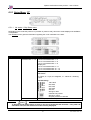
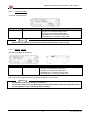
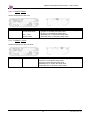
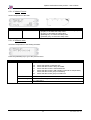
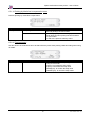
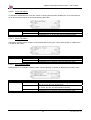
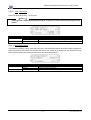
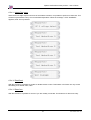
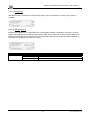
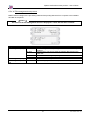
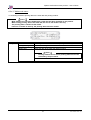
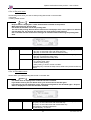
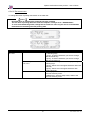
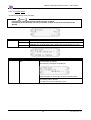
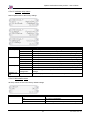
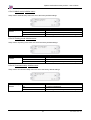
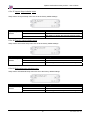
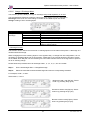
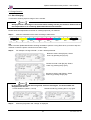
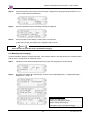
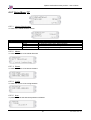
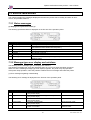
Spitfire 100 Extreme series printers Users Guide 6.2 OPERATION PANEL IN STANDBY MODE Notes For information of the name and function of each key, refer to "Operation panel". 6.2.1 [F1] – Feeding, Cutting media and Step Adjust When you want to feed media forward or backward, follow the steps below: Step 1 : Verify the following regarding the condition of the printer. I) It is not currently printing Step 2 : Press the [F1] key of the operation panel. I) To shift to the Cut&Feed menu. Step 3 : Press the [F3] key or the [F4] key. I) The product will perform following operations: Setup items Cut & Feed Key name F1 F2 F3 F4 Parameters Cut Dist.Adj. Forward Backward Description Cut media Set step Feeds media forward. Feeds media backward. Notes If "Take-Up Roll" is set in the media detection setup menu, the product will not operate even if the [F4] key has been pressed. 97 AP-75194 - Rev. 2.2