1
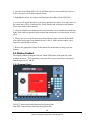
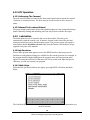
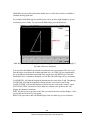
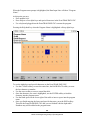
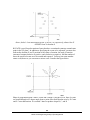
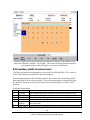
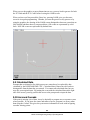
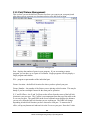
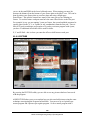
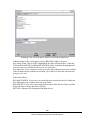
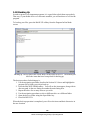
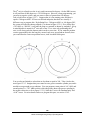
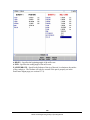
When you use the graphics to guess dimensions on arcs, you may load in guesses for both the X/Y End and the X/Y Center before leaving the LOOK screen. When you have not first pressed the Guess key, pressing LOOK gives you the same screen as in regular programming. Whether you enter the guesses as key presses or by using the graphics, the drawing of the LOOK screen distinguishes between events that are fully defined and those that rely on guessed data. OK events are represented by solid lines. NOT OK events are represented by dashed lines. 9.9 Calculated Data Prompts that are skipped or for which guesses are entered may be replaced by data calculated by the ProtoTRAK PMX CNC. Calculated data is shown in red in order to distinguish it from the data that you entered. You cannot edit calculated data, but you may edit your original input. By putting the event with the calculated data on the right side of the screen, you may position the cursor to the prompt and re-input the data. 9.10 Arcs and Conrads If the print is missing a lot of data, it may be desirable to program arcs as separate events where possible. If you know the center and radius of an arc, program it as an arc rather than using the Conrad. This gives the system more information to work with in figuring out other missing points. 84 Southwestern Industries, Inc. TRAK LPM Programming, Safety, & Operating Manual