1
TROUBLESHOOTING
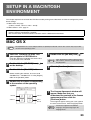
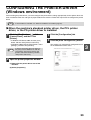
X When the PPD driver is installed
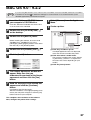
1
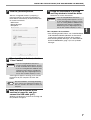
Click the [Start] button ( ), click
[Control Panel], and then click
[Printer].
• In Windows XP/Server 2003, click the [start]
button and then click [Printers and Faxes].
• In Windows 2000, click the [Start] button, select
[Settings], and then click [Printers].
Note
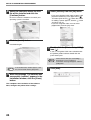
2
If [Printers and Faxes] does not appear in
the [start] menu in Windows XP, click the
[start] button, click [Control Panel], click
[Printers and Other Hardware], and then
click [Printers and Faxes].
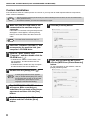
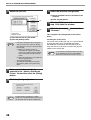
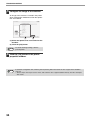
Open the printer properties window.
(1) Right-click the printer driver icon of the
machine.
3
(2) Select [Properties].
3
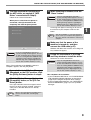
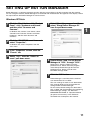
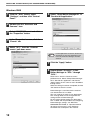
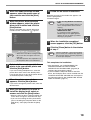
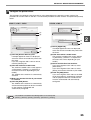
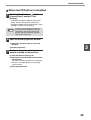
Configure the printer driver for the
options installed on the machine.
(1) Click the [Device Settings] tab.
(2) Configure each item based on the machine
configuration.
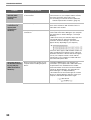
The items and the procedures for configuring
the items vary depending on the operating
system version.
(3) Click the [OK] button.
35

![2 Fare clic sul pulsante [start]](http://vs1.manualzilla.com/store/data/006118559_1-173242b46b2c9da737019e0375b2825a-150x150.png)