1
User’s Guide
Scanning
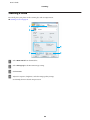
C
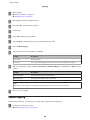
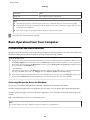
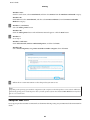
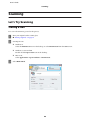
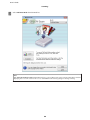
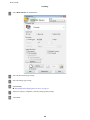
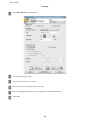
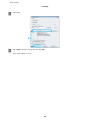
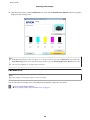
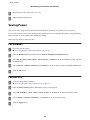
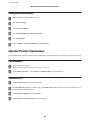
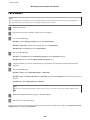
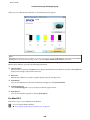
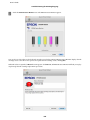
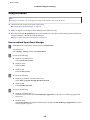
Select Home Mode from the Mode list.
D
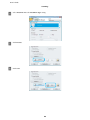
Select the Document Type setting.
E
Select the Image Type setting.
F
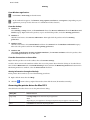
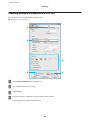
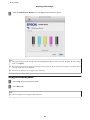
Click Preview.
& “Previewing and Adjusting the Scan Area” on page 61
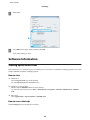
G
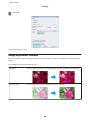
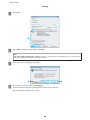
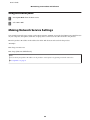
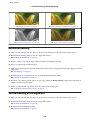
Adjust the exposure, brightness, and other image quality settings.
H
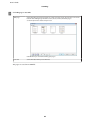
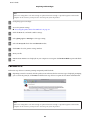
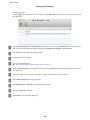
Click Scan.
56