1
CD-SW200
Subwoofer
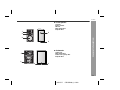
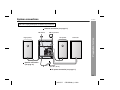
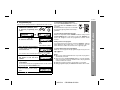
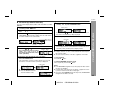
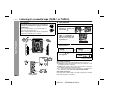
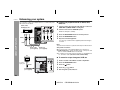
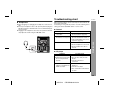
Left speaker Main unit Right speaker
Table
Floor
Note:
The speaker grilles are not removable.
AC power connection
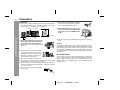
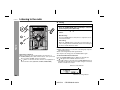
After checking all the connections have been made correctly, plug
the AC power cord of this unit into the AC outlet. If you plug in the unit
first, the unit will enter the demonstration mode.
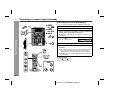
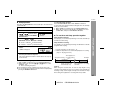
Demonstration mode
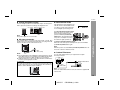
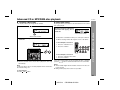
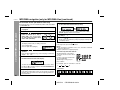
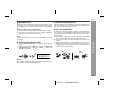
The first time the unit is plugged in, the
unit will enter the demonstration mode.
You will see words scroll and the subwoofer will light up in flashing mode.
To cancel the demonstration mode:
When the unit is in the power standby mode (demonstration mode),
press the X-BASS (SURROUND)/
DEMO button. The unit will enter the
low power consumption mode and
the subwoofer light up will be off.
To return to the demonstration mode:
When the unit is in the power stand-by mode, press the X-BASS
(SURROUND)/DEMO button again.
Note:
When the power is on, the X-BASS (SURROUND)/DEMO button can
be used to select the extra bass mode.
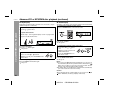
AC outlet
(AC 120 V, 60 Hz)
Notes:
The unit will start the tape initialization when plugged in to the AC
outlet. During this process, initializing sound will be heard and the
unit cannot be turned on. Wait until the process is finished.
Unplug the AC power cord from the AC outlet if the unit will not be
in use for a prolonged period of time.
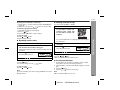
Cooling fan:
The main unit is built with a cooling fan at the rear of the unit for improved cooling. Please do not cover the opening of the fan with any
obstacles, as this will block proper ventilation.
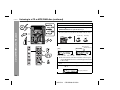
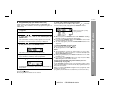
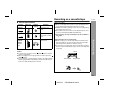
Outdoor FM antenna
Use an outdoor FM antenna if you require better reception.
Consult your dealer.
Preparation for Use
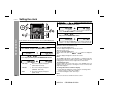
Placing the speaker system
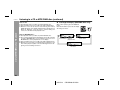
The left and right speakers have individual shapes. For best performance, place the speakers according to the diagram below.
Outdoor FM antenna
75 ohms
coaxial cable
Note:
When an outdoor FM antenna is used, disconnect the supplied FM
antenna wire.
13
03/12/17
CD-SW200 _2-14.fm