1
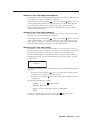
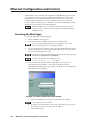
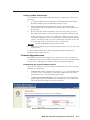
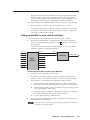
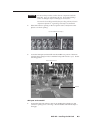
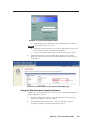
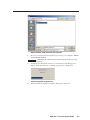
Example of a password prompt window
a.
Enter the appropriate administrator password in the Password field.
A User name entry is not required.
5.
b.
If desired, select the check box to have the system input your password
the next time you enter your MGP 462’s IP address.
c.
Click OK. The System Status page or your custom start page opens.
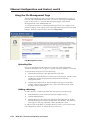
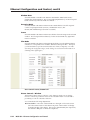
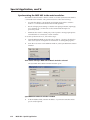
Select the Status tab to show the System Status page if it is not already
displayed. The firmware version is listed in the System Description area, as
shown below.
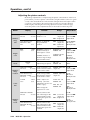
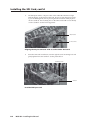
Firmware version number on the System Status Web page
Using the Windows-based control software
A third way to find out the firmware version is to access the MGP 464 Windowsbased configuration software.
1.
Open the configuration software. (See Using the Windows®-based Control
Software, in chapter 4, for the procedure.)
2.
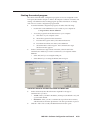
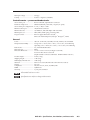
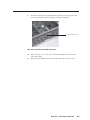
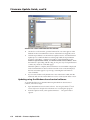
From the Help menu, select About... . The following screen appears,
providing information about the current MGP version.
MGP 462 • Firmware Update Guide
C-3