1
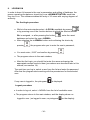
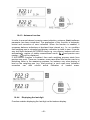
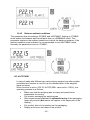
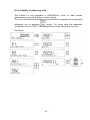
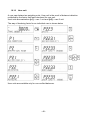
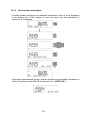
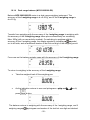
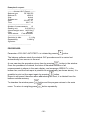
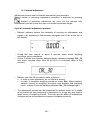
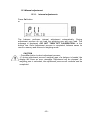
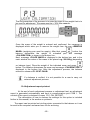
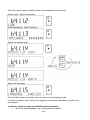
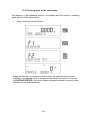
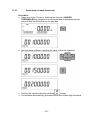
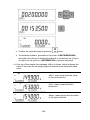
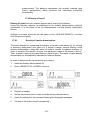
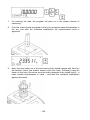
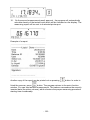
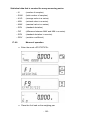
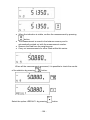
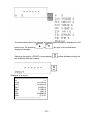
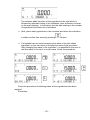
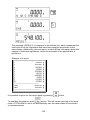
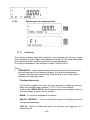
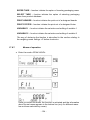
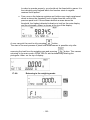
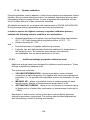
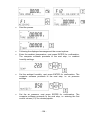
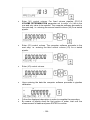
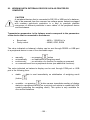
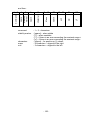
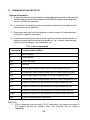
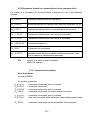
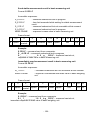
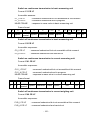
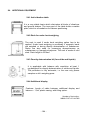
13.1. Internal adjustment Adjustment process can be initiated automatically and manually. Manual means of activating adjustment procedure is achieved by pressing . System of automatic adjustment will carry out the process fully automatically and will inform the user on successive process stages. Cycle of automatic adjustment process: - Balance software detects the necessity of carrying out adjustment and signals it by displaying a thermometer pictogram and <Cal> at the top of the display. - During this time interval of about 2 minutes within which weighing procedure can be completed - As the 2 minute time elapses, balance display indicates message CAL_30 and starts counting down from 30..29..28 to 0 (indicated value is the counter), - Balance user has 30 seconds to make a decision In order to start adjustment, do not take any actions In order to complete weighing procedure, press Esc. When pressed, balance returns to weighing procedure and displays last weighing result. In about 5 minutes balance indicates CAL_30 message again. - The adjustment process can be postponed for multiple times, but it needs to be pointed out that postponing of adjustment for a long time may lead to larger errors of weighing process. The errors are the effect of temperature changes and as a consequence changes of balance sensitivity. - 59 -