1
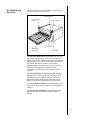
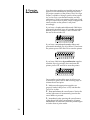
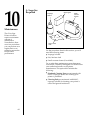
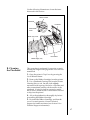
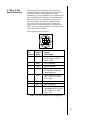
sublimation ribbon. Hole #4 recalibrates the
ribbon sensor for the B/A3-Super size (12Ó x
20Ó) dye-sublimation ribbon.
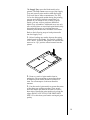
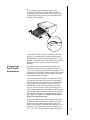
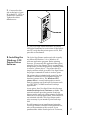
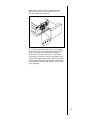
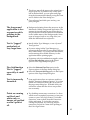
9. Using a small flat-head screw driver, gently
rotate the screw in the appropriate hole. Do not
push on the screw since this may damage it.
Rotate the screw just a fraction of a turn either
clockwise or counter clockwise until both of the
printer LED lights stop flashing. When both LED
lights remain solid, the ribbon sensor calibration
is complete. Reassemble the printer and try your
print job again.
81