1
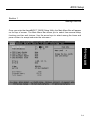
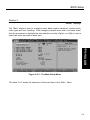
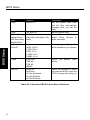
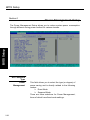
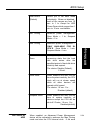
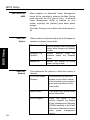
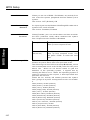
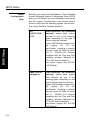
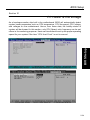
BIOS Setup Section 5 BIOS Setup Integrated Peripherals 2-19 OnChip IDE Channel 0 /Channel 1 The integrated peripheral controller contains an IDE interface with support for two IDE channels. Select Enabled to activate each channel separately. The choice: Enabled (Default), Disabled. IDE Prefetch Mode The system prefetch the next data when deal with one data. If enabled, it will make the system more stable. The choice: Enabled (Default), Disabled Primary Master/Slave PIO; Secondary Master/Slave PIO The four IDE PIO (Programmed Input/ Output) fields let you set a PIO mode (0-4) for each of the four IDE devices that the onboard IDE interface supports. Modes 0 through 4 provide successively increased performance. In Auto mode, the system automatically determines the best mode for each device. The choice: Auto (Default), Mode 0, Mode 1, Mode 2, Mode 3, Mode 4. Primary Master/Slave UDMA; Secondary Master/slave UDMA Ultra DMA 33/66 implementation is possible only if your IDE hard drive supports it and the operating environment includes a DMA driver (Windows 95 OSR2, Windows® 98 or a third-party IDE bus master driver). If your hard drive and your system software both support Ultra DMA 33/66, select Auto to enable BIOS support. The Choice: Auto (Default), Disabled. Init Display First This item allows you to decide to active whether PCI Slot or AGP first The choice: PCI Slot (Default), AGP .