1
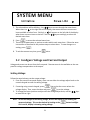
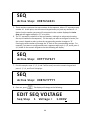
SYSTEM MENU
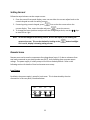
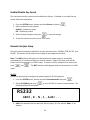
In it i al i ze
Powe r-O n
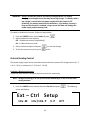
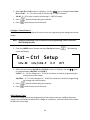
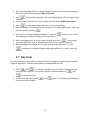
5. The selected item will be blinking. Use
keys to move through the menu items.
When there is a
on the right side of the display, that means there are more menu
items available to select from. Similarly, a
will appear on the left side of the display
when there are menu items to the left. Use the
keys accordingly to select the
desired menu item.
6. Press
to access the selected menu item.
7. There may be parameters or options to select within each menu item. Follow the same
instructions as described in the previous steps to select them. To save changes to a
setting, press
.
8. To exit the menu at any time, press
twice.
3.2 Configure Voltage and Current Output
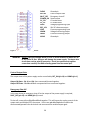
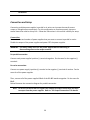
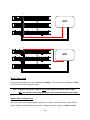
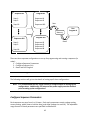
Voltage and current can be set from the front panel. Remote sense is also available on the rear
panel for voltage compensation at the output.
Setting Voltage
Follow the steps below to set the output voltage:
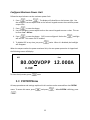
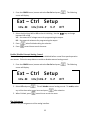
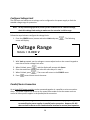
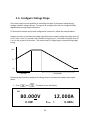
1. From the normal front panel display, users can use either the voltage adjust knob or the
numeric keypad to enter the setting voltage.
2. If entering using numeric keypad, press
first so that the cursor selects the
voltage display. Then, enter the value and press
to set the voltage.
3. To change the cursor position to adjust with the voltage adjust knob, use the
to move left or right.
keys
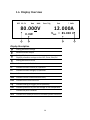
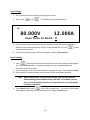
Note: To see the changes to the setting voltage, be sure the display is not showing the
measured voltage. This can be checked by looking at the
If it is not lit, display is showing setting voltage.
21
button backlight.