1
PostScript - Setting Up for Printing
Macintosh - Setting Up for Printing
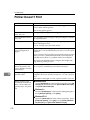
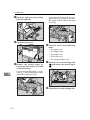
Making paper settings from an application
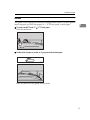
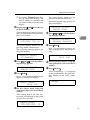
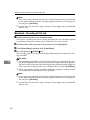
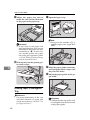
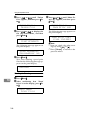
A Open the file you want to print.
B On the [File] menu, click [Page Setup].
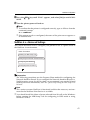
[Adobe PS Page Setup] appears.
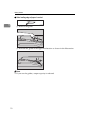
C Confirm that the printer you want to use is shown in [Format for:].
Note
❒ If your printer is now shown in the [Format for:] box, use the pop-up menu
to display a list of available printers.
Reference
The actual appearance of the Page Setup depends on the application you
are using. See the documentation that comes with your Macintosh for details.
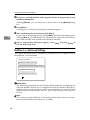
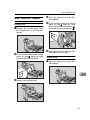
D From the [Paper] pop-up menu, select the paper size.
E Set desired settings and click [OK].
7
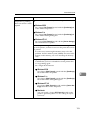
Setting up for printing from an application
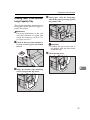
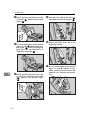
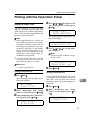
A Open the file you want to print.
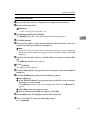
B On the [File] menu, click [Print].
The Printer Settings appears.
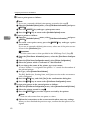
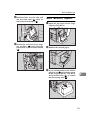
C Confirm that your printer is selected in the [Printer:] box.
D Set desired settings and click [Print].
81