1
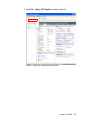
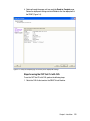
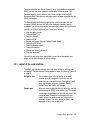
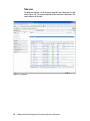
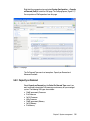
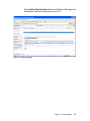
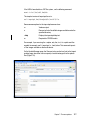
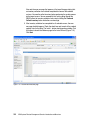
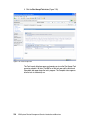
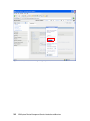
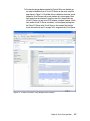
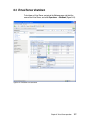
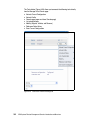
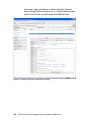
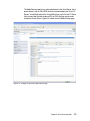
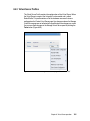
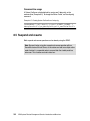
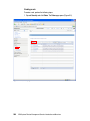
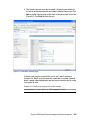
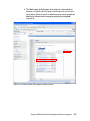
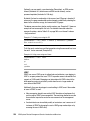
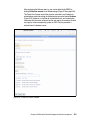
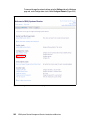
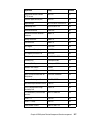
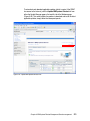
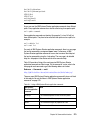
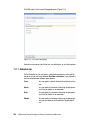
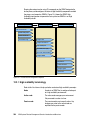
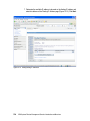
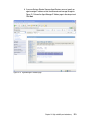
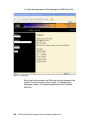
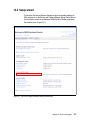
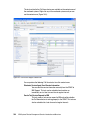
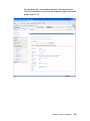
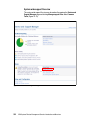
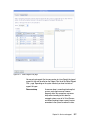
The tasks related to the Call Home feature are available on the context menu of
the monitored systems. Right-click any of the monitored systems and you can
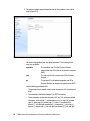
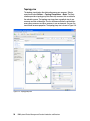
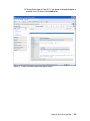
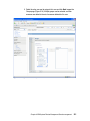
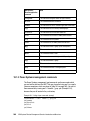
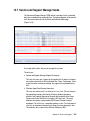
see the context menu (Figure 14-8).
Figure 14-8 Service and Support context menu
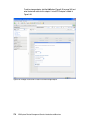
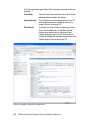
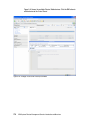
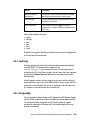
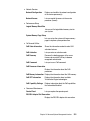
You can perform the following Call Home tasks from this context menu:
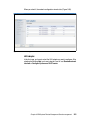
Electronic Service Agent Send Service Information
You can send the service information manually from the SDMC to
IBM Support. This task can be scheduled and made to run
immediately or at a later time and also at regular intervals.
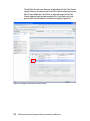
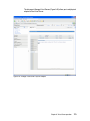
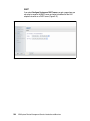
Send a Test Service Request to IBM
This task sends a test service request to IBM and verifies whether
the Call Home feature is working properly in the SDMC. This task can
also be scheduled at a later time and at regular intervals.
344
IBM Systems Director Management Console: Introduction and Overview