1
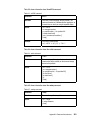
Command
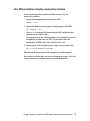
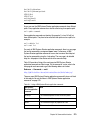
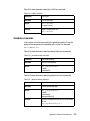
mkuser
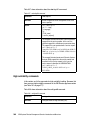
Example
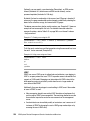
This example illustrates how to create a user named
"user1". In this example, the user password must be
entered when you are prompted.
smcli mkuser -u user1
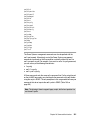
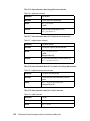
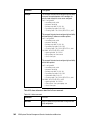
This example illustrates how to create a user named
"user2" with the provided password. The expiration is set
to 90 days, and the SSH timeout to 10 minutes. The new
user will belong to the IBM Systems Director group
smadmin.
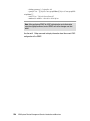
smcli mkuser -u user2 -g smadmin -p password -d
"User 2" -x expire=90,timeout=600
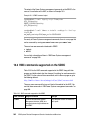
This example illustrates how to create a remotely
authenticated LDAP user named "user3":
smcli mkuser -u user3 -x usertype=ldap
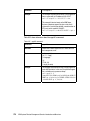
This example illustrates how to create a remotely
authenticated Kerberos user named "user4". The new
user will belong to the IBM Systems Director group
smadmin.
smcli mkuser -u user4 -g smadmin -d "User 4" -x
usertype=kerberos
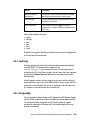
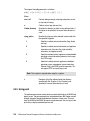
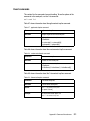
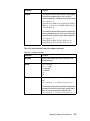
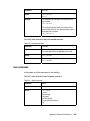
Table A-32 shows information about the rmuser command.
Table A-32 rmuser command
384
Command
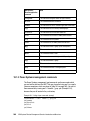
rmuser
Definition
Deletes a user.
Syntax
smcli rmuser
-u name
[-h]
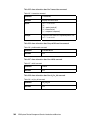
Example
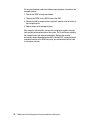
This example illustrates how to delete user named
"user1":
smcli rmuser -u user1
IBM Systems Director Management Console: Introduction and Overview