1
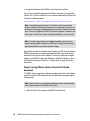
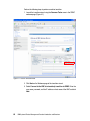
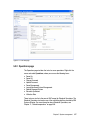
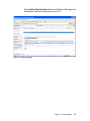
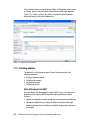
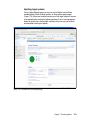
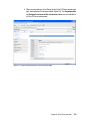
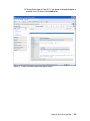
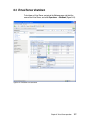
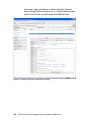
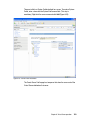
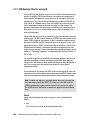
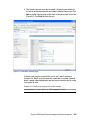
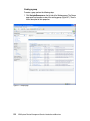
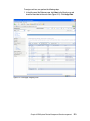
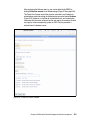
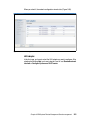
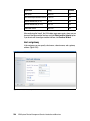
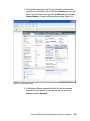
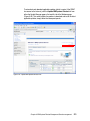
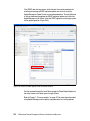
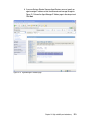
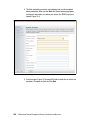
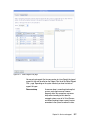
The Media Devices page lets you add media devices to the Virtual Server, that is
optical devices, such as CD or DVD drives that are connected to the Virtual I/O
Servers. Virtual Media refers to the Virtual Media Library on the Virtual I/O Server
that is created and filled with images of CDs or DVDs that then can be made
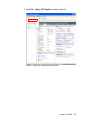
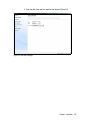
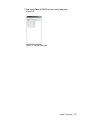
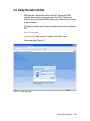
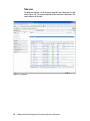
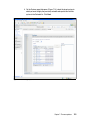
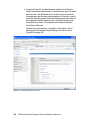
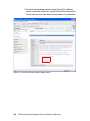
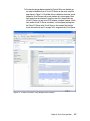
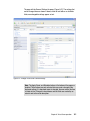
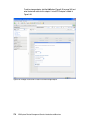
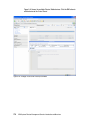
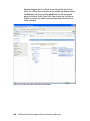
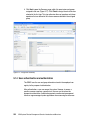
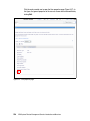
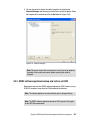
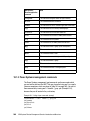
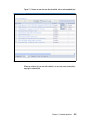
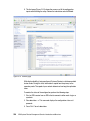
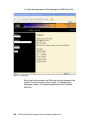
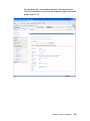
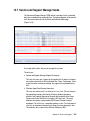
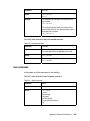
available to Virtual Servers. Figure 8-41 shows the initial Media Devices page.
Figure 8-41 Manage Virtual Server: Media Devices page
Chapter 8. Virtual Server operation
175