1
2GM_UTAX_ENG_OG.book
5 ページ
2005年3月4日 金曜日 午後9時45分
Basic Operation
Variable Zoom
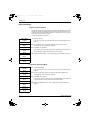
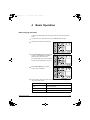
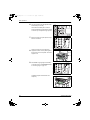
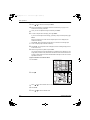
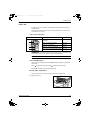
Perform the following procedure to make settings for the Variable Zoom mode.
1
Press Copy.
2
Press left Select.
3
Press S or T to select Zoom Entry.
4
Press Enter.
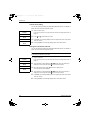
5
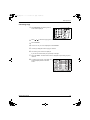
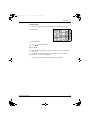
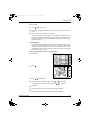
Press S or T, as appropriate, to change the displayed zoom ratio to the desired
ratio.
6
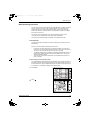
Press Enter. The message display shows Completed and returns to the basic
screen. The new zoom ratio is registered.
To start copying, place the original on the platen and press Start.
OPERATION GUIDE
4-5