1
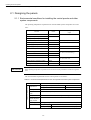
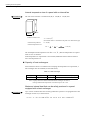
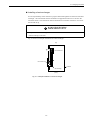
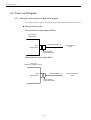
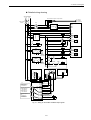
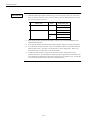
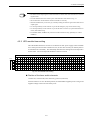
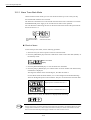
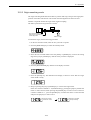
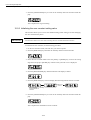
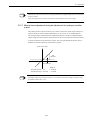
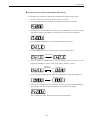
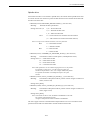
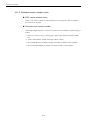
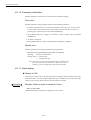
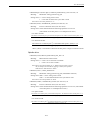
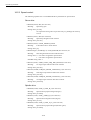
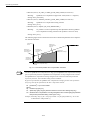
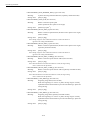
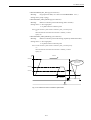
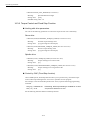
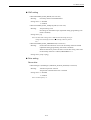
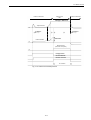
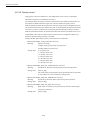
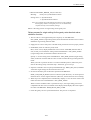
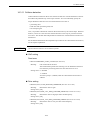
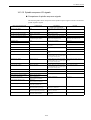
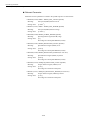
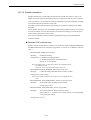
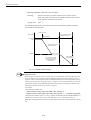
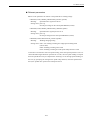
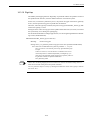
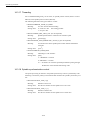
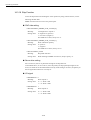
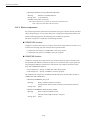
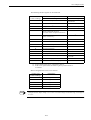
Drive set-up procedure 14.3.19 Skip Function 14.3.19 Skip Function To use the skip function for latching the sensor position by using external sensors, set the following machine data. SGDK servo drive has two low-active probe inputs. CNC side setting • MD13200 MEAS_PROBE_LOW_ACTIVE [0] Meaning: Low/high-active of probe 1 Setting value: 0---high-active (positive) 1---low-active (negative) For SGDK servo drive, always set "1". • MD13200 MEAS_PROBE_LOW_ACTIVE [1] Meaning: Probe 2 detection polarity Setting value: 0---positive 1---negative For SGDK servo drives, always set "1". • MD13210 MEAS_TYPE Meaning: Skip mode selection Setting value: When latching on SGDK servo drives, always specify "1". Servo drive setting For servo drives, there is no particular settings for the skip function. As described above, for servo drives, since the polarity of skip input/output signal is low active, be careful to set the machine data correctly. If the setting is incorrect, the polarity of the I/O signal shown below is reversely set. I/O signal • DB10DBX107. 0 Meaning: Setting value: State of probe 1 0 -> 1 - Probe 1 ON 1 -> 0 - Probe 1 OFF • DB10DBX107. 1 Meaning: State of probe 2 Setting value: 0 -> 1 - Probe 2 ON 1 -> 0 - Probe 2 OFF 14-96