1
6.
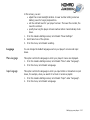
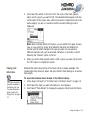
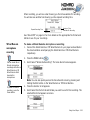
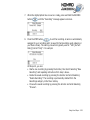
Scroll Select “Add to Play” to add the audio selection to the back of the Playing
List. Scroll Select "Play Now" or press the Play button
to add the
selection to the front of the Playing List and immediately play it back.
Finding audio
Finding your favorite song or album in the Music Library has been made easy with
your player's "Find" feature.
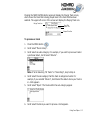
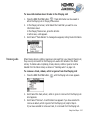
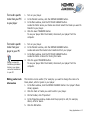
To find audio with the "Find" feature
1.
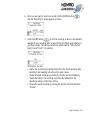
Press the FIND button
. If you are not already exploring the Music
Library, the Find screen appears.
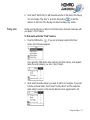
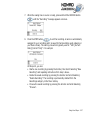
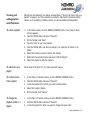
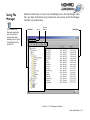
If you press the FIND button when exploring the Music Library, a list appears
above the audio category you are in; skip to step 3.
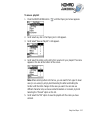
2.
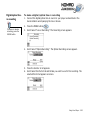
Scroll Select the audio category you want to search. For example, if you want
to find a particular album, Scroll Select "Find by Album" and the respective
audio category screen, in this case the Albums screen, appears with a list.
Using Your Player 3-7