1
Digital/optical linein recording
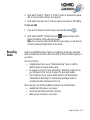
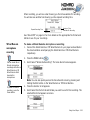
To pause or resume
recording, press the
PAUSE button.
To make a digital/optical line-in recording
1.
Connect the digital/optical line-in source to your player as described in the
documentation accompanying the line-in device.
2.
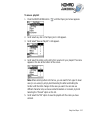
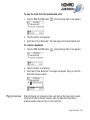
Press the MENU button
3.
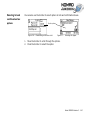
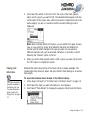
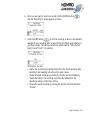
Scroll Select “Line-in Recording”. The Recording screen appears.
4.
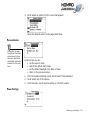
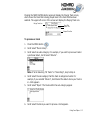
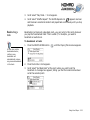
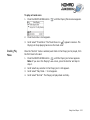
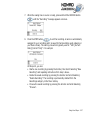
Scroll Select "Optical Recording". The Optical Recording screen appears.
5.
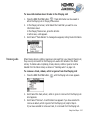
Press the Scroller. A list appears.
6.
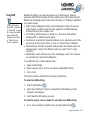
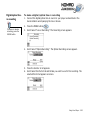
Scroll Select the file format and bitrate you want to use for this recording. The
selected file format appears onscreen.
.
Using Your Player 3-28