1
5.6
Speed vs. quality mode
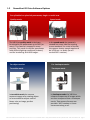
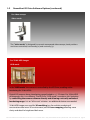
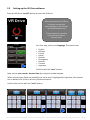
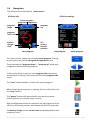
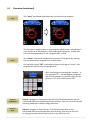
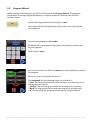
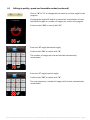
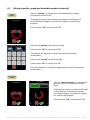
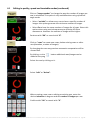
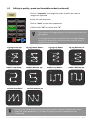
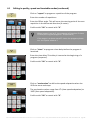
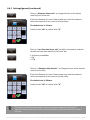
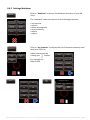
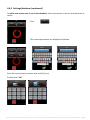
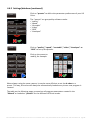
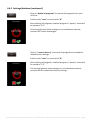
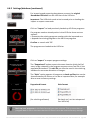
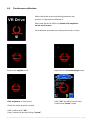
In “quality” mode the VR Drive stops and releases the camera in every position.
In “speed” mode the VR Drive releases the camera “on the fly” without stopping in every position.
“quality” mode:
stop + release
“speed” mode:
non-stop release
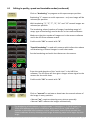
The faster the total rotation time, the faster the shutter speed of the camera
needs to be, otherwise the images will be blurred (unsharp).
The following table indicates the maximum shutter speed required for different
rotation times. For example, when setting the rotation time to 6 seconds, the camera shutter
speed needs to be 1/1500 sec. or faster (1/2000 s, 1/3000 s, …):
Rotation time (X, 360°)
Shutter speed
6s
10 s
20 s
1/1500 s (or faster)
1/900 s (or faster)
1/450 s (or faster)
These values are just average and might change with the camera and the lens. For this reason
the VR Drive indicates for each program and rotation speed the maximum shutter speed to be
used to get sharp images.
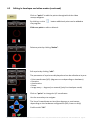
When a fast shutter speed cannot be reached (i.e. under difficult lighting
conditions), it is possible to compensate in the following way:
• Increase ISO/ASA
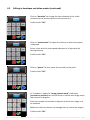
• Open the aperture (use a lower f-stop) and save the image at a larger resolution –
the lower depth of field can be compensated by compressing the resolution of the
images
• Reduce the rotation speed
Instruction Manual Roundshot VR Drive version 2.13 – December 2014 – © by Seitz Phototechnik AG / Switzerland www.roundshot.com page 117