1
SELECTING THE METERING MODE
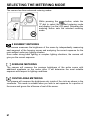
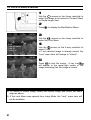
The camera has three advanced metering modes.
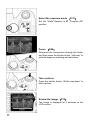
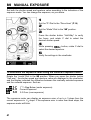
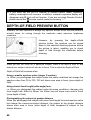
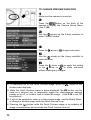
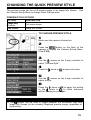
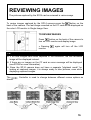
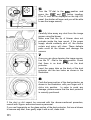
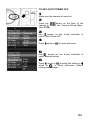
While pressing the
button, rotate the
“C”-dial to select the desired metering mode
and display it on the LCD panel. Releasing the
metering button sets the selected metering
mode.
8 SEGMENT METERING
The camera measures the brightness of the scene by independently measuring
each segment of the focusing screen and analyzing the correct exposure for the
main subject under any lighting situation.
Even under strong back lighting or complex lighting situations, the camera will
give you the correct exposure.
AVERAGE METERING
The camera will measure the average brightness of the entire scene with
additional emphasis on the center area. It will determine the most suitable
exposure with respect to lighting conditions.
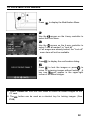
CENTER AREA METERING
The camera will measure the brightness only inside of the circle as shown in the
viewfinder. This mode is suitable when you wish to set exposure for a portion of
the scene and ignore the influence of rest of the scene.
61