1
62
Getting Started
Enabling Protocols
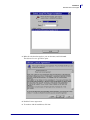
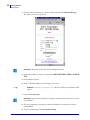
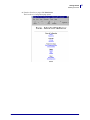
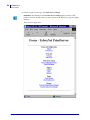
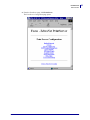
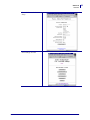
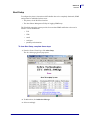
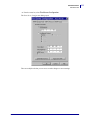
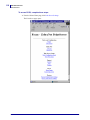
5. From the Print Server Configuration page, click Enabled Protocols.
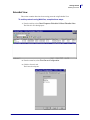
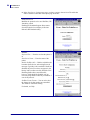
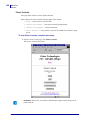
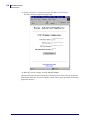
The Protocol Configuration page opens:
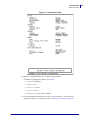
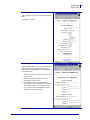
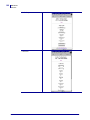
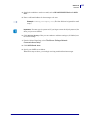
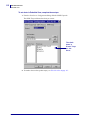
6. Select the protocols you want to enable, then click Submit Changes.
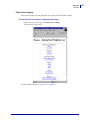
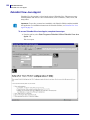
You get a confirmation to reset the unit for changes to take place.
45537L-004 Rev. A
ZebraNet PrintServer II User Guide
4/19/07