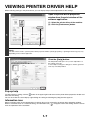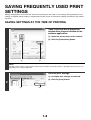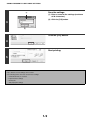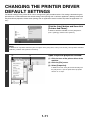
1
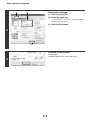
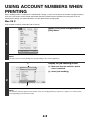
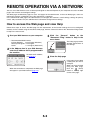
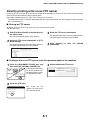
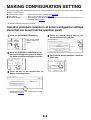
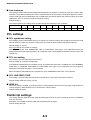
USING ACCOUNT NUMBERS WHEN PRINTING
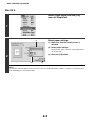
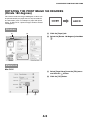
(1)
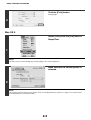
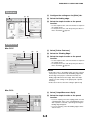
Enter your account number.
(2)
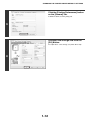
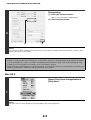
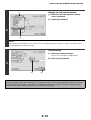
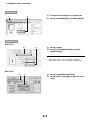
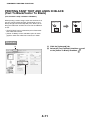
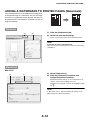
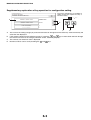
(1) Click the [Job Handling] tab.
(2) Enter your account number.
Enter your account number (5-digit number).
(3) Click the [OK] button.
2
(3)
NOTE
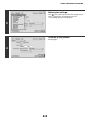
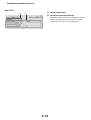
To have a confirmation window appear before printing starts, select the [Auto Job Control Review] checkbox so that a
checkmark
appears.
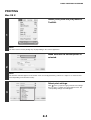
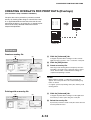
Start printing.
3
NOTE
Printing is normally possible without entering your account number. (In this case, the printed pages will be added to the "Others"
count.) If printing without a valid account number is prohibited in the administrator settings of the machine, printing will not be
possible if your account number is not entered or an incorrect number is entered.
1-6