1
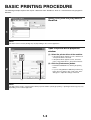
BASIC PRINTING PROCEDURE
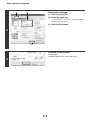
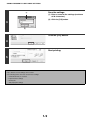
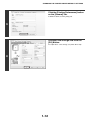
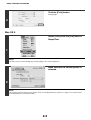
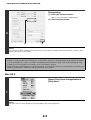
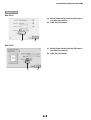
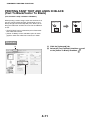
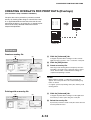
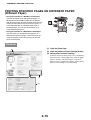
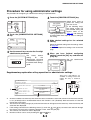
Click the [Print] button.
Printing begins.
4
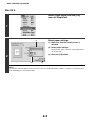
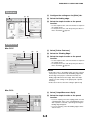
Mac OS 9
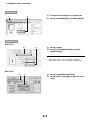
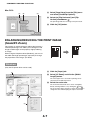
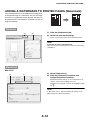
Select [Print] from the [File] menu of
SimpleText.
1
NOTE
The menu used to execute printing may vary depending on the software application.
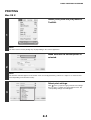
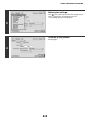
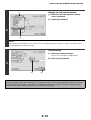
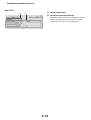
Make sure that the correct printer is
selected.
2
NOTE
The machine name that appears in the "Printer" menu is normally [SCxxxxxx]. ("xxxxxx" is a sequence of characters that
varies depending on your machine model.)
2-5