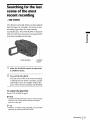
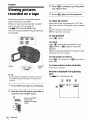
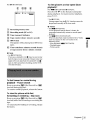
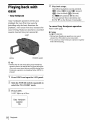
1
Various playback
functions
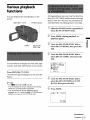
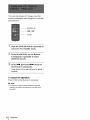
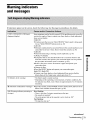
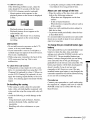
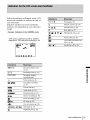
Yot_can d{splaythe recorded date on the
Sc_eetL
DSPLtBATT
{NFO
POWER
sw_¢h
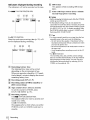
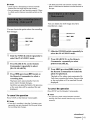
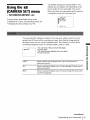
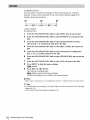
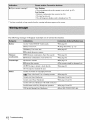
L_ing playback, yon can view the dateAime
data ([DATE/'I IblE]) and the camera s_ngs
data ([CAM DATA]) that are automatically
recorded while record{rig p_cmres on a u_pe.
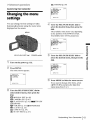
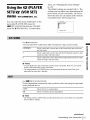
::J{ Slide the POWER
select
sa_4teh repeatedly to
the PLAY/EDrI'
mode.
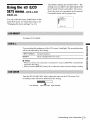
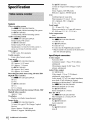
Press MENU during playback or
playback pause,
,MENU
SEUPUSN
EXEC dial
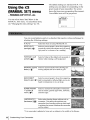
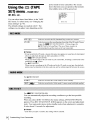
Turn
the SELiPUSH
select
dial.
[]
[_1 Turn
select
dial.
(OTHERS),
the SELiPUSH
IDATA
CODEt,
EXEC
dial to
then press
EXEC
the
dial to
then press
the
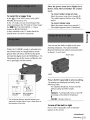
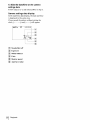
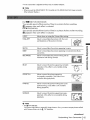
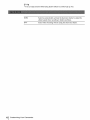
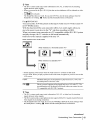
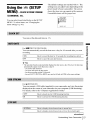
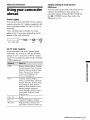
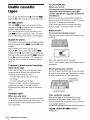
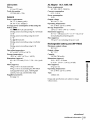
You c_ choose to display the time _x_d_ lape
eonnter, _d other inI_rmatioo on the scmerL
Press
DSPL/BATT
INFO,
The indi_;at_}rs appear/disappear
button.
as you press the
r r r r r rr r r r r r r rr r r r r r r rr r r r r r r r rr r r r r r r rr r r r r r r rr r r r r r r
l,_ _
Tl_rn the SELiPUSH
select
*_" Tips
• For Itll ]RV22g/428/[11RV265:
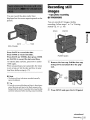
You e_t display the sez_n thd{camrs by presslug
D_PLAY o_ _he R_mote Comfier,
• Yo_ _ di_pl_ the _¢_reenthdlcators d_ri_
p_ybaek on a TV. 8_1_ the _ (O_RS)
m_
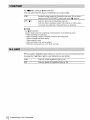
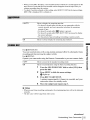
the [DA'I'E/TIME
DATA_,
Press
EXEC
dial to
l or ICAM
then press the dial,
MENU,
!2: t 7:_3_M
=._ntinued
Playback 37
'_
_.