1
3-1. Recording spontaneous neuronal spikes (single unit)
Chapter 3
Spike Sorter
This chapter will teach you how to record and analyze spontaneous neuronal spikes (single unit activities) either from neuron cultures or brain slices using available workflow templates. In this chapter you
will learn:
1. How to record spontaneous neuronal spikes (single unit activities)
2. How to test drug effects
3. How to replay and analyze spontaneous neuron spikes (single unit activities)
3-1. Recording spontaneous neuronal spikes (single unit)
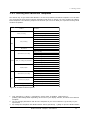
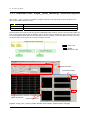
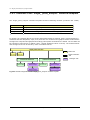
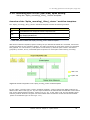
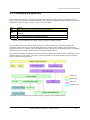
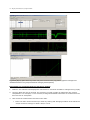
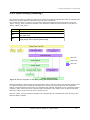
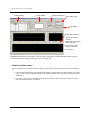
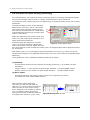
There are 5 workflow templates available for recording spontaneous neuronal spikes (single unit):
1.
2.
3.
4.
5.
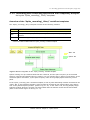
Spontaneous_recording (Recording WITHOUT any real-time analysis)
Spike_recording (Recording with extracting spikes and their frequency analysis)
Spike_recording_filter (2 + filter)
Spike_recording_cluster (Recording with extracting, clustering spikes, and their frequency analyses)
Spike_recording_filter_cluster (4+filter)
Opening the workflow template
1.
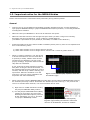
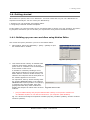
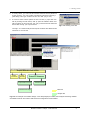
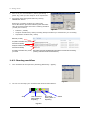
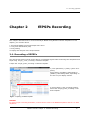
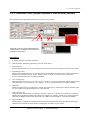
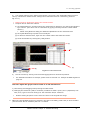
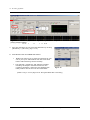
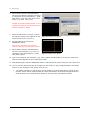
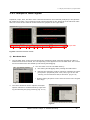
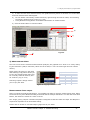
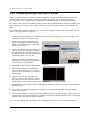
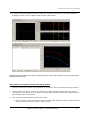
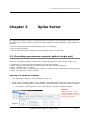
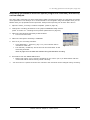
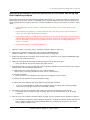
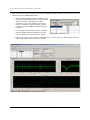
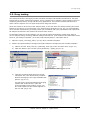
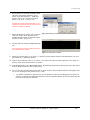
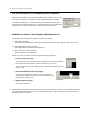
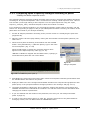
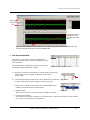
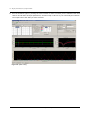
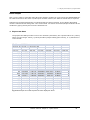
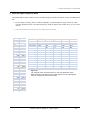
Click [Workflow] > [New] > [From Template]. (Fig.3-1.1)
2.
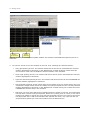
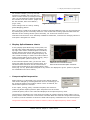
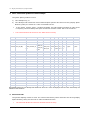
Select either of [64MD1_1280x1024] or [64MD1_1920x1080] folder, depending on the size of your
display monitor. Select [Spikes] > [Spontaneous_recording] folders. Select the workflow template.
•
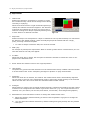
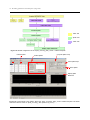
Go to [Basic_recording] folder for the “Spontaneous_recording” workflow template.
NOTICE:
Connect your PC to the
MED64 amplifiers and turn
on both amplifiers to open
recording workflows.
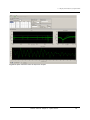
Fig.3-1.1.
Mobius Tutorial: Cahper 3 - Spike Sorter
43