1
Functions in the Photo Camera Mode
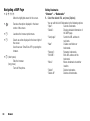
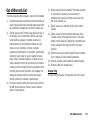
Using the Help Function
“Camera” → [Options] → “Help”
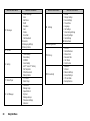
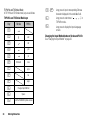
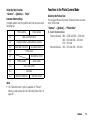
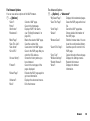
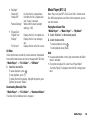
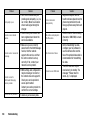
Common Shortcut Keys
If multiple options exist, they switch each time you press each
following key.
Photo Camera
G
H
J
K
Video Camera
Max Zoom/Min Zoom
Change External Camera/Internal Camera
Save New Pictures to
Picture Size
L
M
N
P
Q
Save New Videos to
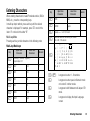
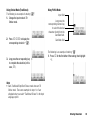
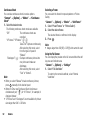
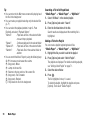
Selecting the Picture Size
You can select the size of pictures. All taken pictures are saved
in the JPEG format.
“Camera” → [Options] → “Picture Size”
1. Select the desired size.
(External Camera) 960 × 1280 dots/768 × 1024 dots/
480 × 640 dots/240 × 320 dots/
120 × 160 dots
(Internal Camera) 240 × 320 dots/120 × 160 dots
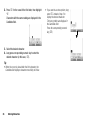
Microphone On/Off
Picture Quality
Video Quality
Self-Timer On/Off
Exposure
Switches Viewfinder
Switches Screen
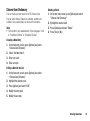
Note
• The “Switches Screen” option is available in “Preview”
before you save a video clip. See “Recording Video Clips” on
page 49.
Camera
51