1
Configuring Port-Based and User-Based Access Control (802.1X)
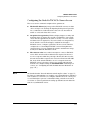
Configuring Switch Ports as 802.1X Authenticators
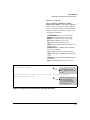
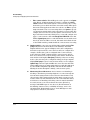
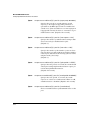
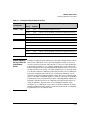
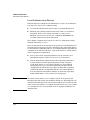
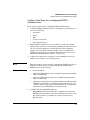
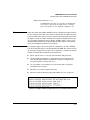
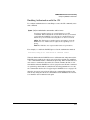
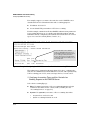
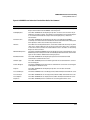
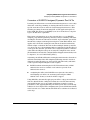
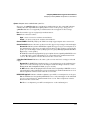
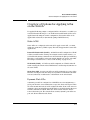
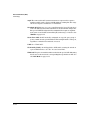
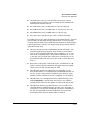
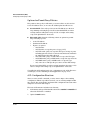
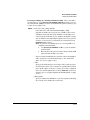
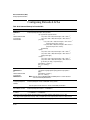
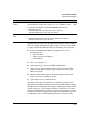
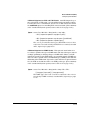
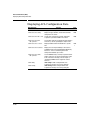
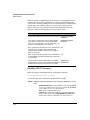
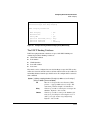
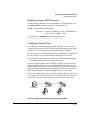
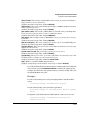
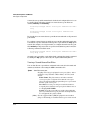
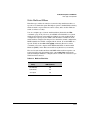
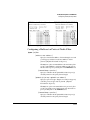
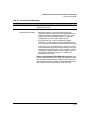
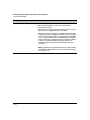
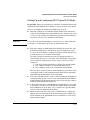
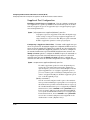
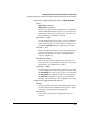
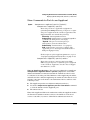
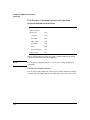
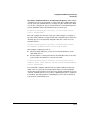
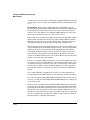
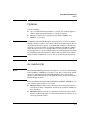
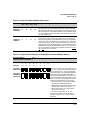
eap-radius Use EAP-RADIUS authentication. (Refer to the
documentation for your RADIUS server application.)
chap-radius Use CHAP-RADIUS (MD-5) authentication.
(Refer to the documentation for your RADIUS server application.)
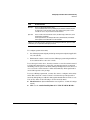
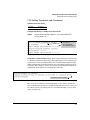
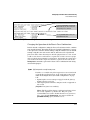
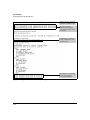
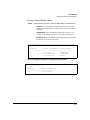
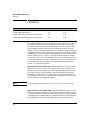
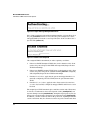
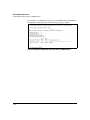
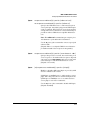
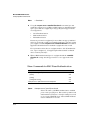
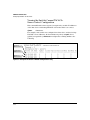
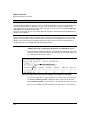
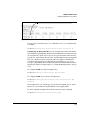
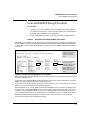
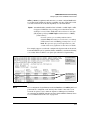
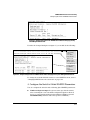
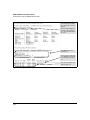
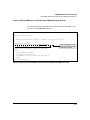
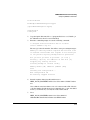
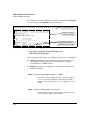
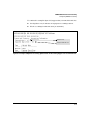
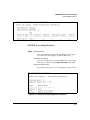
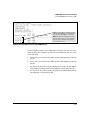
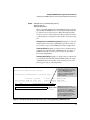
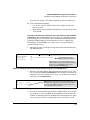
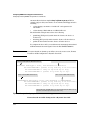
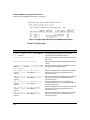
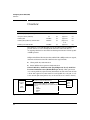
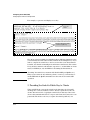
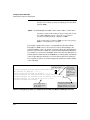
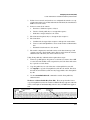
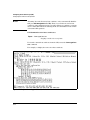
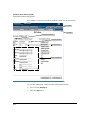
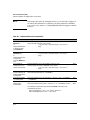
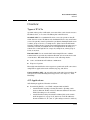
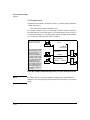
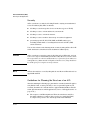
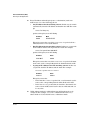
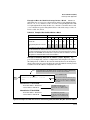
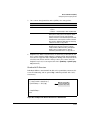
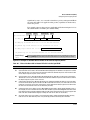
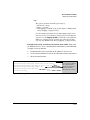
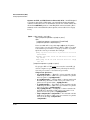
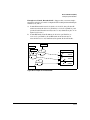
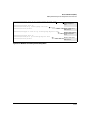
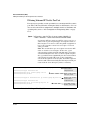
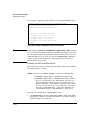
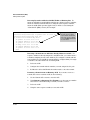
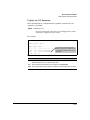
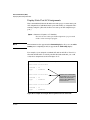
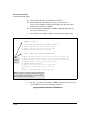
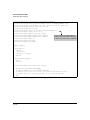
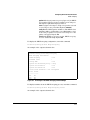
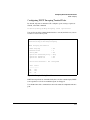
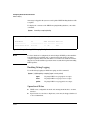
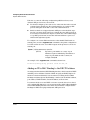
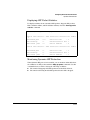
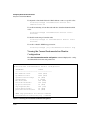
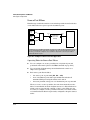
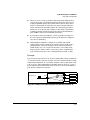
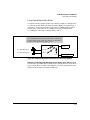
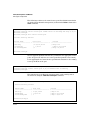
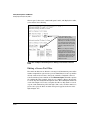
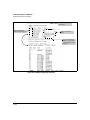
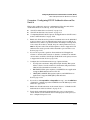
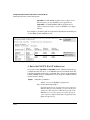
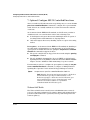
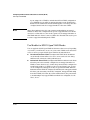
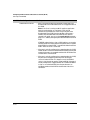
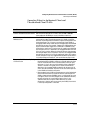
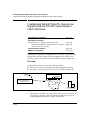
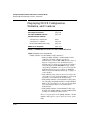
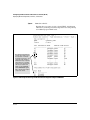
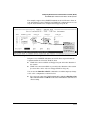
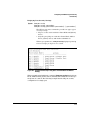
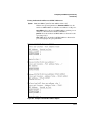
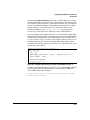
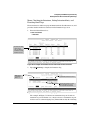
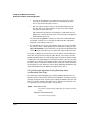
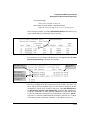
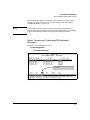
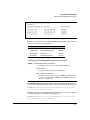
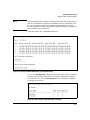
For example, to enable the switch to perform 802.1X authentication using one
or more EAP-capable RADIUS servers:
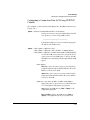
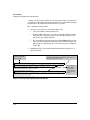
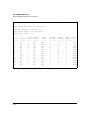
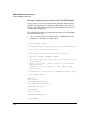
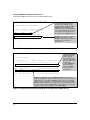
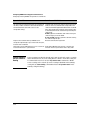
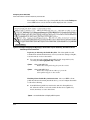
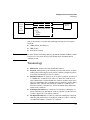
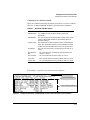
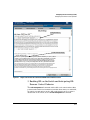
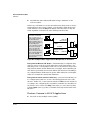
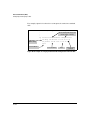
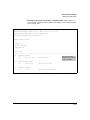
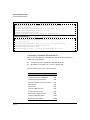
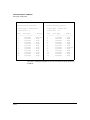
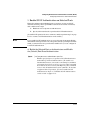
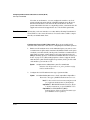
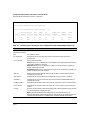
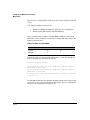
Configuration command
for EAP-RADIUS
authentication.
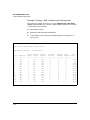
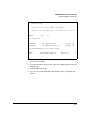
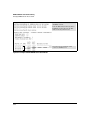
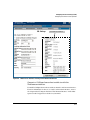
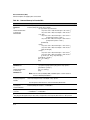
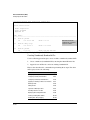
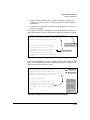
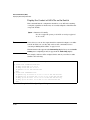
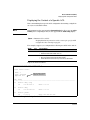
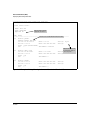
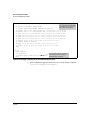
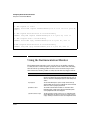
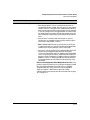
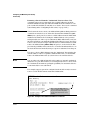
802.1X (Port-Access)
configured for EAPRADIUS authentication.
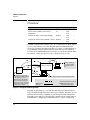
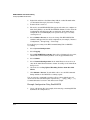
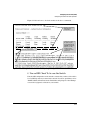
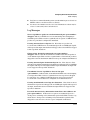
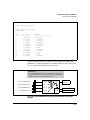
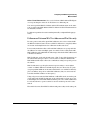
Figure 13-4. Example of 802.1X (Port-Access) Authentication
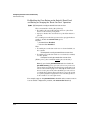
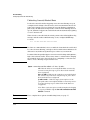
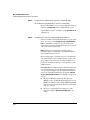
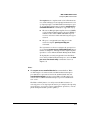
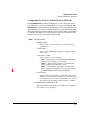
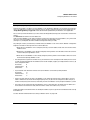
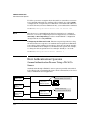
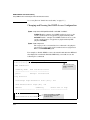
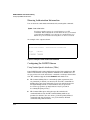
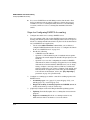
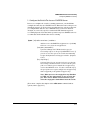
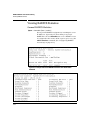
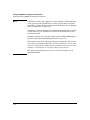
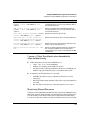
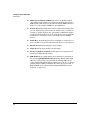
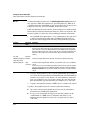
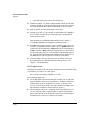
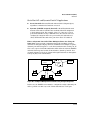
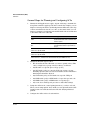
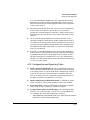
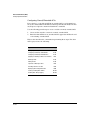
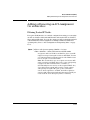
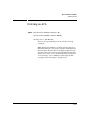
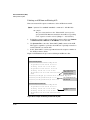
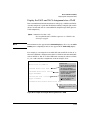
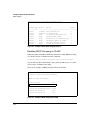
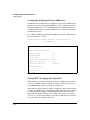
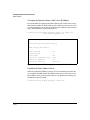
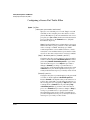
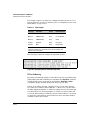
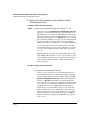
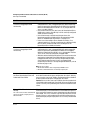
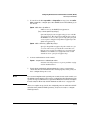
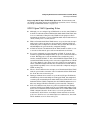
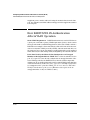
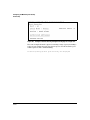
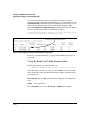
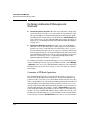
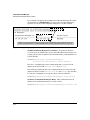
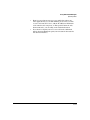
4. Enter the RADIUS Host IP Address(es)
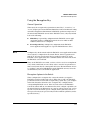
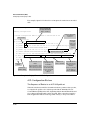
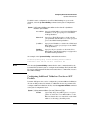
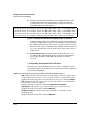
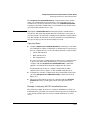
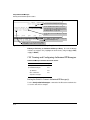
If you select either eap-radius or chap-radius for the authentication method,
configure the switch to use 1, 2, or 3 RADIUS servers for authentication. The
following syntax shows the basic commands. For coverage of all commands
related to RADIUS server configuration, refer to chapter 6, “RADIUS Authentication and Accounting”.
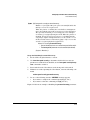
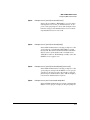
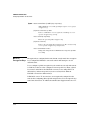
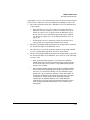
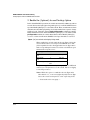
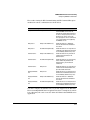
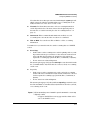
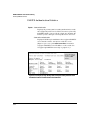
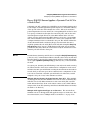
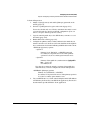
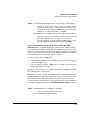
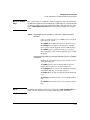
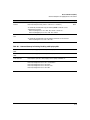
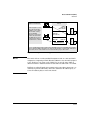
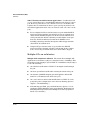
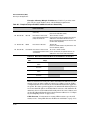
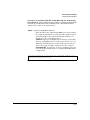
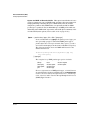
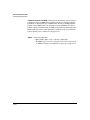
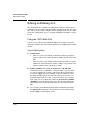
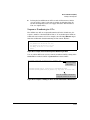
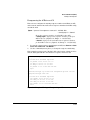
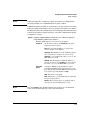
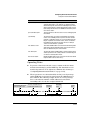
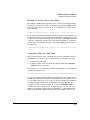
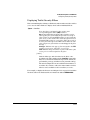
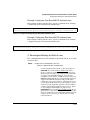
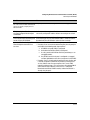
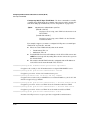
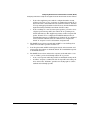
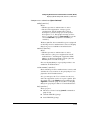
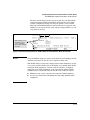
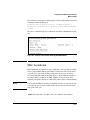
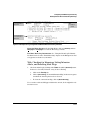
Syntax:
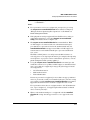
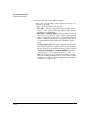
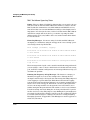
radius host < ip-address >
Adds a server to the RADIUS configuration.
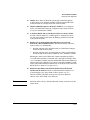
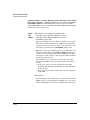
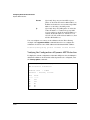
[key < server-specific key-string >]
Optional. Specifies an encryption key for use during
authentication (or accounting) sessions with the specified server. This key must match the key used on the
RADIUS server. Use this option only if the specified
server requires a different key than configured for the
global encryption key.
13-22