1
3
Using Your WIP310
Making and Receiving Phone Calls
Dialing a Number from your Contacts or the Call History List
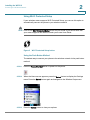
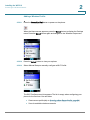
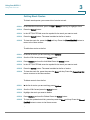
STEP 1
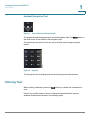
Press the Call button.
STEP 2
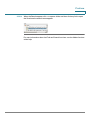
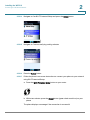
Press Options, then navigate to choose:
•
Contacts—Select a number from the Contacts list.
•
Call History—Select a number from the Call History list.
•
Speed Dial—Select a speed dial.
•
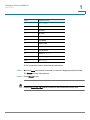
Star Code—Select a star code to enter before dialing. See Using Star
Codes, page 74.
STEP 3
Press the Select button.
STEP 4
Press the Call button and the call is placed.
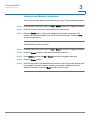
Redialing the Last Called Number
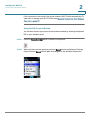
To redial the last called number, in the Home screen, press the Call button twice.
Receiving Phone Calls
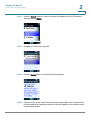
Press the Call button to answer an incoming call. Information about the call
appears on the phone screen display.
While the phone is ringing, you can also press the Options soft key and choose
one of the following options:
Cisco WIP310 User Guide
43