1
Evan Knoble – KNOBLE ARTS 233
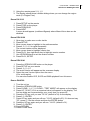
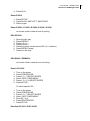
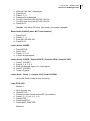
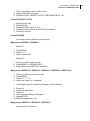
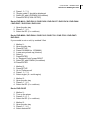
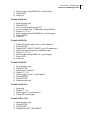
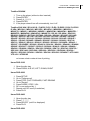
Unlock Your DVD Region Code
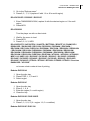
2. Enter 2405915
3. Press ENTER to select the region
4. Press CLOSE
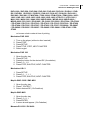
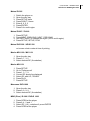
Venturer PVS126A / PVS17200 / PVS1951 / STS31S / STS91
no known unlock codes at time of printing
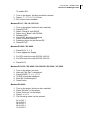
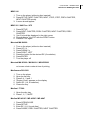
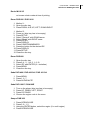
Vieta DVD 2
1.
2.
3.
4.
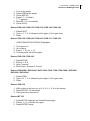
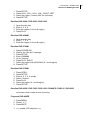
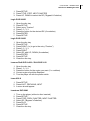
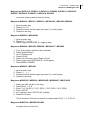
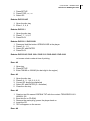
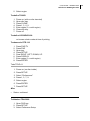
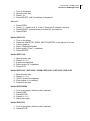
Open the disc tray
Press SETUP
Press 9, 6, 0, 1, 0, STEP, SHUFFLE, NEXT
Select region
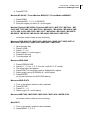
Vieta DVD 3
1.
2.
3.
4.
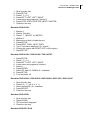
Press OPEN
Press REPEAT
Press 9, 5, 2, REPEAT, 0
Close the disc tray
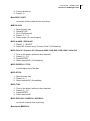
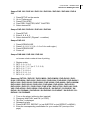
Vieta DVD 4
1.
2.
3.
4.
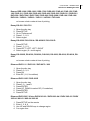
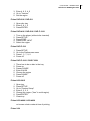
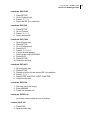
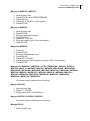
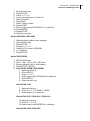
Press OPEN
Press SETUP
Enter 9, 1, 1, 1, 1
Press STEP, SHUFFLE, NEXT
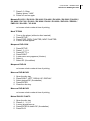
Vieta DVD UNO
1.
2.
3.
4.
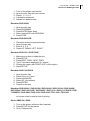
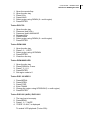
Open the disc tray
Press SETUP
Press SHUFFLE, STEP, NEXT
Select region
Vieta DVD 40 / DVD 50
no known unlock codes at time of printing
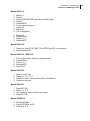
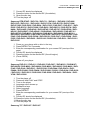
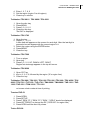
Voxson DVD-221 / DVD-250 / DVD-MXK2
1.
2.
3.
4.
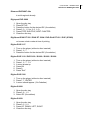
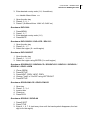
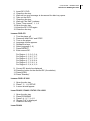
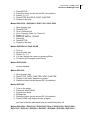
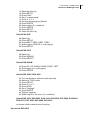
Press OPEN/CLOSE
Press CLEAR
Press 1, 3, 6, 9
Enter the region code (0 = multi-region)
Voxon DVD-320 / DVD-330
1. Press SETUP