1
5 Configuration
5
D-Link Web Smart Switch User Manual
Configuration
Through a Web-based Management Utility, the features and functions of the D-Link Web Smarty Switch can
be configured for optimum use.
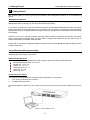
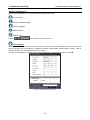
Smart Wizard Configuration
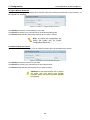
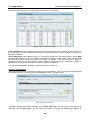
Before entering the Web-based Management Utility, When The Smart Wizard will guide you to quick
configure some functions. If you don’t plan to change anything, click Exit to exit the Wizard and enter the
Web Interface.
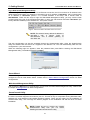
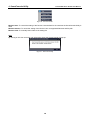
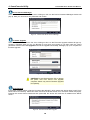
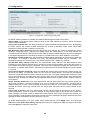
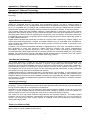
Password Settings
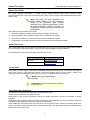
Password setting allows you to change the login password of the device. Type the desired new password in
the Switch Password box and again in the Confirm Switch Password then click the Apply button to
change the password.
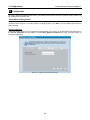
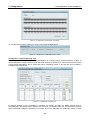
Figure 29 – Configure Password in Smart Wizard
19