1
ENGLISH
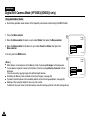
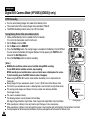
Digital Still Camera Mode (VP-D653(i)/D655(i) only)
Formatting the Memory Card
✤
✤
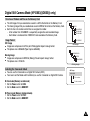
The Format function works only in M.Player mode.
You can use the memory format functions to completely delete all images and options on the Memory Card, including
protected images.
✤ The format function restores the Memory Card to its initial state.
Attention
If you execute the memory format function, all images will be erased completely and erased
images cannot be recovered.
✤
4
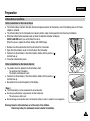
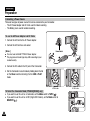
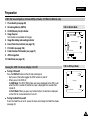
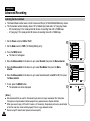
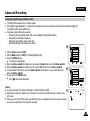
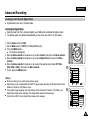
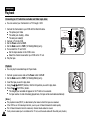
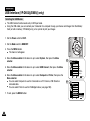
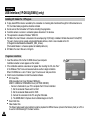
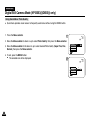
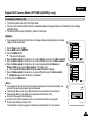
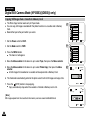
1. Set the Power switch to PLAY.
2. Set the Mode switch to MEMORY.
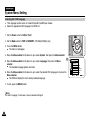
3. Press the MENU button.
■
The menu list will appear.
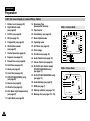
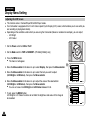
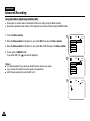
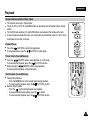
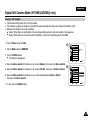
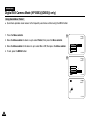
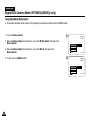
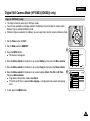
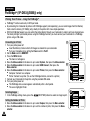
4. Move the Menu selector to the down or up to select Memory, then press the Menu selector.
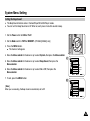
5. Move the Menu selector to the down or up to select Format, then press the Menu selector.
5
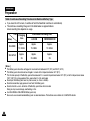
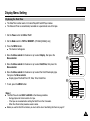
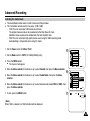
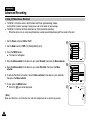
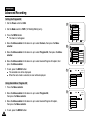
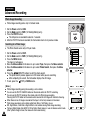
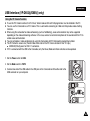
6. Move the Menu selector to the down or up to select desired option (Int. Memory or
Memory Card), then press the Menu selector. (VP-D655(i) only)
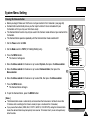
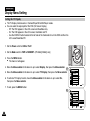
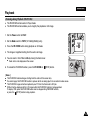
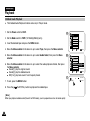
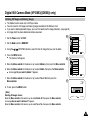
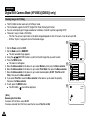
■ A message All files will be deleted ! Do you want to format ? appears.
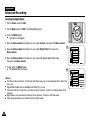
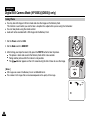
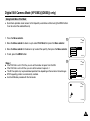
7. Move the Menu selector to the down or up to select Yes, then press the Menu selector.
■ Complete! appears when the format is completed.
8. To exit, press the MENU button.
M.Player Mode
√Memory
M.Play Select
Delete
Delete All
Protect
Print Mark
Format
Move
7
√Off
Select
MENU
Exit
MENU
Exit
M.Player Mode
Back
M.Play Select
Delete
Delete All
Protect
Print Mark
Format
Move
[ Notes ]
■ If you execute the Format function,all still images/moving images will be erased completely and
erased still images/moving images cannot be recovered.
■ Formatting the Memory Card using a different device will cause Memory Card read errors.
■ Formatting the Memory Card deletes all the stored data in the Memory Card.
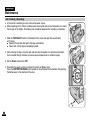
■ Do not turn the power off while formatting.
■ A Memory Stick with the protection tab set to save will not be formatted. (see page 85)
■ Do not format the Memory Card on a PC.
“Not Formatted” message may appear if a Memory Card formatted on a PC was inserted.
√Photo
Select
2/46
800x600
All files will be deleted !
Do you want to format ?
Yes
No
100-0002
99