1
Basic Operations
Playback
Tape Playback
Available mode:
Tape Playback
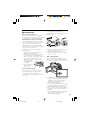
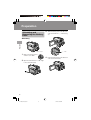
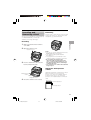
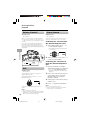
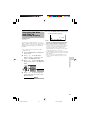
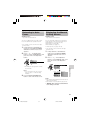
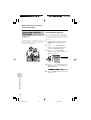
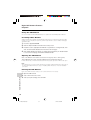
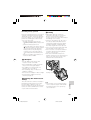
The LCD monitor screen functions as a
handy playback monitor. Nothing needs to
be connected, allowing instant on-screen
playback with the sound through the built-in
speaker.
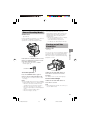
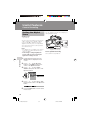
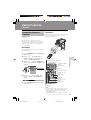
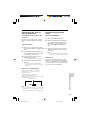
Media Selection
switch
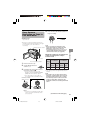
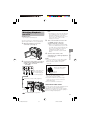
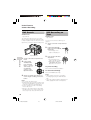
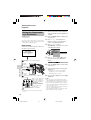
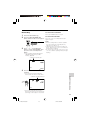
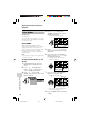
1
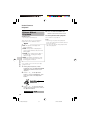
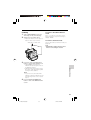
Set the Media Selection
switch to V.
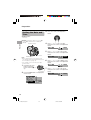
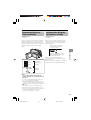
2
Hold down the Lock
button and set the
Power switch to w.
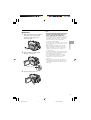
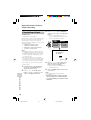
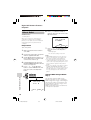
Press l.
To turn the power off
Set the Power switch to OFF without
pressing the Lock button.
Lock button
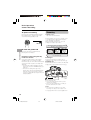
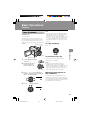
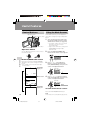
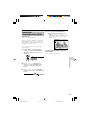
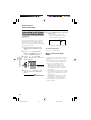
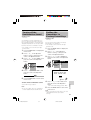
3
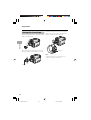
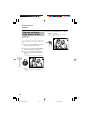
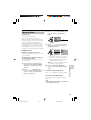
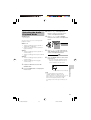
To stop playback
Press j (or k) on the Operation
button to rewind (or fast forward) the
tape to the desired point.
Basic Operations
Power switch
Operation button
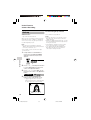
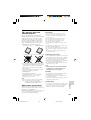
Note:
• If you press the Record Start/Stop button in
Tape Playback mode, the “g” mark appears
and the camcorder enters Recording
Standby mode. If you do not intend to record,
press l to turn the “g” mark off, then press
m to begin playback. This will ensure your
previous recording is not erased (see pages
68–71).
Notes:
• The tape automatically rewinds when
playback reaches the end of the tape.
• When selecting “5 MIN” or “10 MIN” in power
save mode and remaining in stop mode
without any operation for 5 or 10 minutes, the
camcorder will turn off automatically.
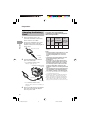
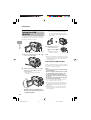
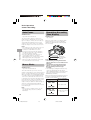
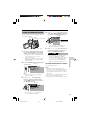
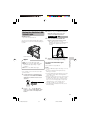
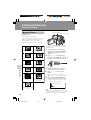
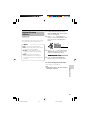
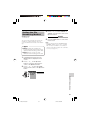
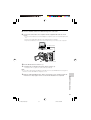
Watching the playback in
the viewfinder
You can also watch the playback in the
viewfinder by closing the LCD monitor with
the screen facing in. You cannot monitor the
sound through the speaker when watching
the playback in the viewfinder.
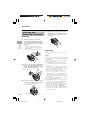
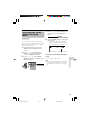
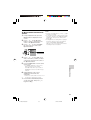
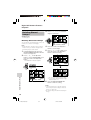
4
Press m to begin playback.
29
VL-Z500H-022-031
29
04.2.6, 7:29 AM