1
4
4.5
Center V2
Enhanced EZ Player
4.5.1
Wide Angle Lens Dewarping
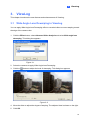
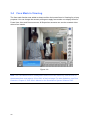
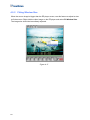
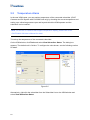
When viewing videos through EZ player, these images may be curved near the corners. The
new Wide Angle Lens Dewarping feature is designed to correct image distortion.
1.
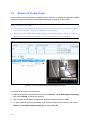
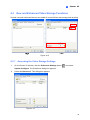
Click an attachment to open the EZ player.
2.
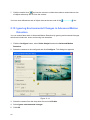
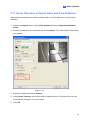
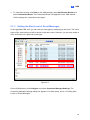
Right-click the video image on EZ player and select Wide Angle Lens Dewarping to
enable this function.
3.
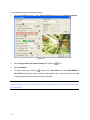
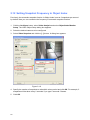
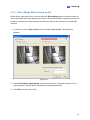
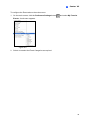
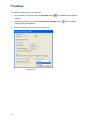
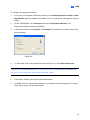
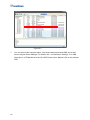
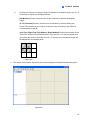
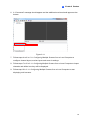
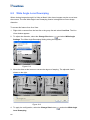
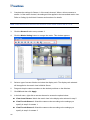
Right-click the video image again and select Wide Angle Lens Dewarping Settings.
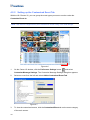
The dialog box appears.
Figure 4-16
4.
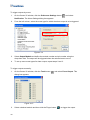
Move the slider at the bottom to correct the degree of warping. The adjusted view is
shown on the right.
5.
Click OK to complete.
49