1
Hold Function
-Hold Function-
Useful Features
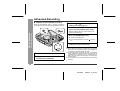
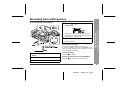
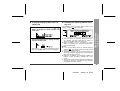
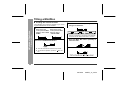
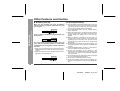
The present operation condition can be kept even if other
buttons are accidentally pressed in a place such as a
crowded train.
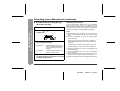
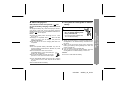
If the battery is inserted or the AC adaptor is connected,
you can set this function even when the power is turned
off.
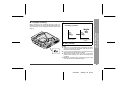
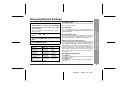
To cancel the hold mode
Press and hold down the HOLD button for 2 seconds or
more while the unit is in the hold mode.
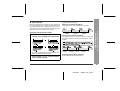
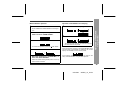
"HOLD OFF" will be shown.
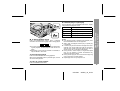
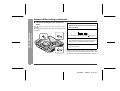
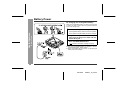
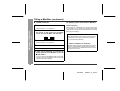
To cancel the hold mode
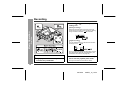
Move the HOLD switch away from the safety position
(the opposite direction of the arrow).
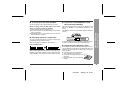
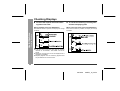
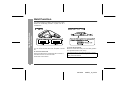
If the hold function is active while the power is turned
off, the power cannot be turned on by mistake and the
battery will not be drained.
30
00/12/26
90SEC_16_30.fm