1
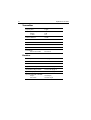
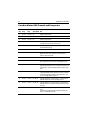
DSC SETUP
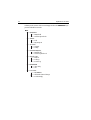
MY MMSI ID
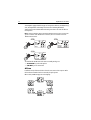
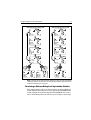
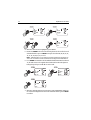
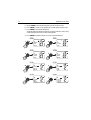
>AUTO CH CHG
POS REPLY
AUTO CH CHG
ON
>OFF
85
78
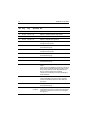
AUTO CH CHG
>ON
OFF
78
78
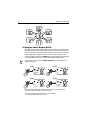
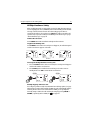
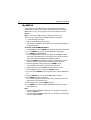
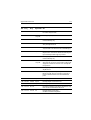
DSC SETUP
MY MMSI ID
>AUTO CH CHG
POS REPLY
78
D10326-1
Chapter 5: Digital Selective Calling (DSC)
Position Reply
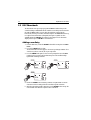
This option enables you to determine how your radio responds to a request for
your GPS position information (lat/lon) from another station.
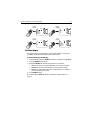
To enable/disable Position Reply:
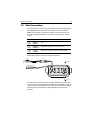
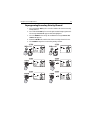
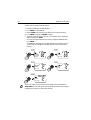
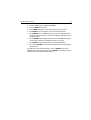
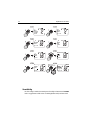
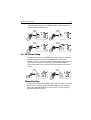
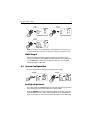
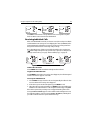
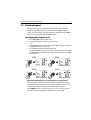
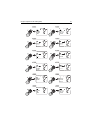
1. From DSC SETUP, rotate the CH/OK knob until the arrow points to POS REPLY.
2. Press the CH/OK knob to accept.
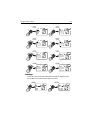
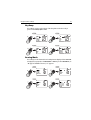
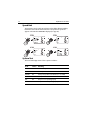
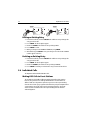
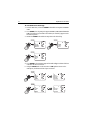
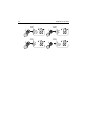
3. Rotate the CH/OK knob until the arrow points to your selection:
• AUTO sends out your vessel’s position data as soon as it is requested.
• MANUAL sends out the data only after you respond to the request.
• OFF will not send position data under any circumstances, nor notify you
that the request has been made.
4. Press CH/OK to accept.
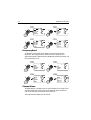
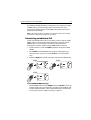
The default setting is MANUAL, which is described in “Position Request“ on
page 77.