1
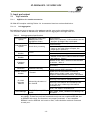
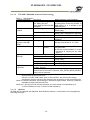
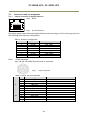
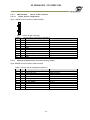
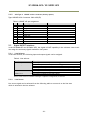
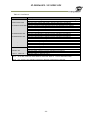
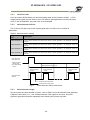
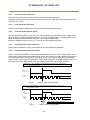
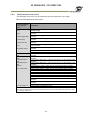
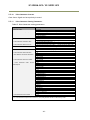
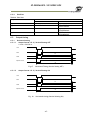
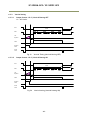
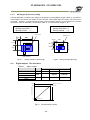
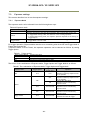
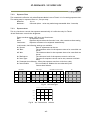
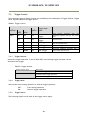
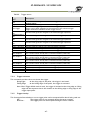
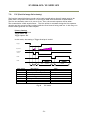
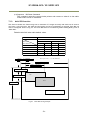
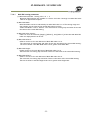
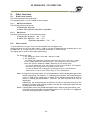
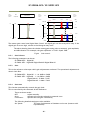
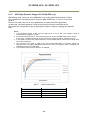
SP-5000M-GE2 / SP-5000C-GE2 4.2 Rear panel The rear panel mounted LEDs provide the following information: POWER/TRIG Amber: Power connected – initiating This light goes OFF after initiating. Steady green: Camera is operating in Continuous mode Flashing green: The camera is receiving external triggering Note: The interval of flashing does not correspond with external trigger duration. Fig. 2 GigE 1 LINK Steady green: Connecting in 1000BASE-T Flashing green: Connecting in 100BASE-T ACT Flashing amber: GigE Network indication LINK2 LINK Steady green: Connecting in 1000BASE-T Flashing green: Connecting in 100BASE-T ACT Flashing amber: GigE Network indication - 12 - Rear panel