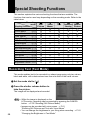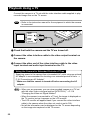
1
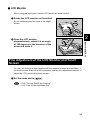
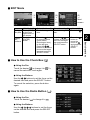
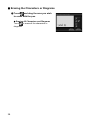
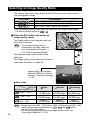
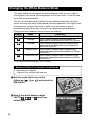
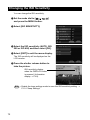
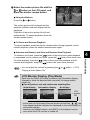
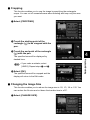
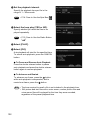
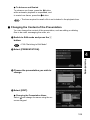
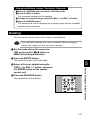
B Select the file to be displayed with the
or button.
Selecting the button will display the
previous file, and selecting the will display
the next file.
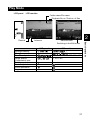
The mark ( or ) on the screen indicates
the attachment. → P.27 “Play Mode”.
● Using the Buttons
or
button.
Press the
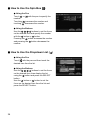
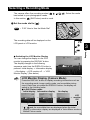
Displaying Several Files at Once (Thumbnail
Playback)
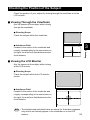
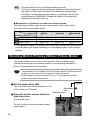
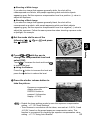
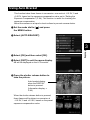
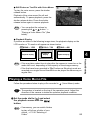
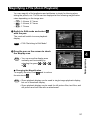
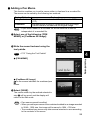
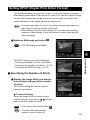
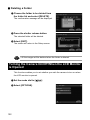
Nine files are displayed at once, enabling speedy search for the image you
wish to see.
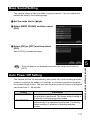
A Switch to Edit mode and select
with the pen.
The display will switch to the thumbnail
playback display.
See
• P.89 “Switching to Edit Mode”
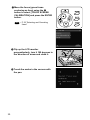
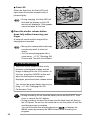
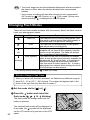
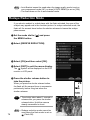
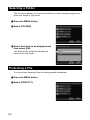
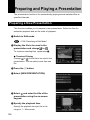
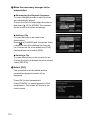
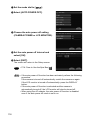
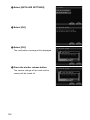
B Select
or
with the pen to change
the files displayed.
Selecting
will display the previous nine
will display the next
files, and selecting
nine files.
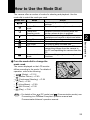
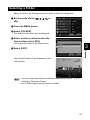
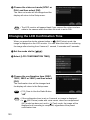
The file on which the focus is set is the
selected file. You can change the selected
file using the · buttons.
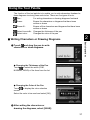
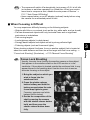
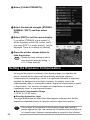
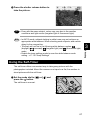
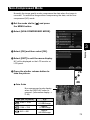
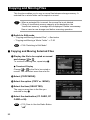
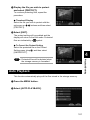
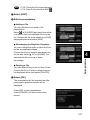
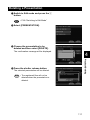
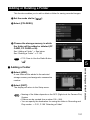
C Select
90
.
The screen will return to the single image
playback display. The file selected during
thumbnail playback display will be displayed.
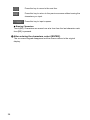
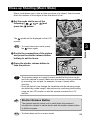
displayed on blue screen
Note • Unplayable files are indicated in black.
indicates a voice memo file and
indicates a text file.
• A paperclip symbol
above a thumbnail display indicates a motion
picture file and a
symbol indicates an attachment.
• Pressing the
button when the selected file is on the top row will
display the previous nine files, and pressing the
button when it is on
the bottom row will display the next nine files.