1
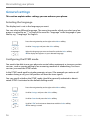
Personalizing your phone
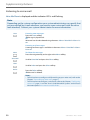
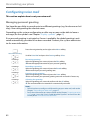
Modify
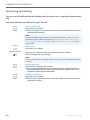
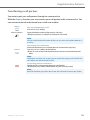
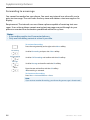
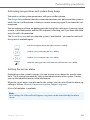
Setting up a profile:
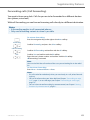
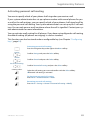
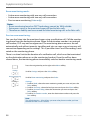
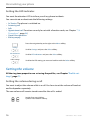
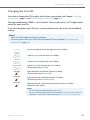
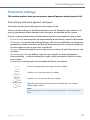
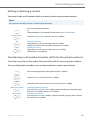
1. Scroll to the profile you want and press the Modify softkey.
2. Scroll to the setting you want and confirm your choice of setting with the
Select softkey.
➔The setting is stored.
Note:
To listen to all the ring properties use the Test softkey.
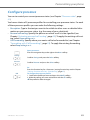
Rename
Delete
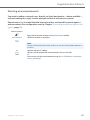
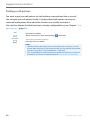
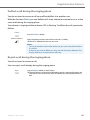
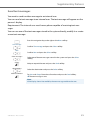
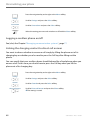
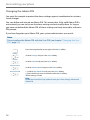
Renaming a profile:
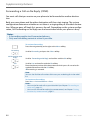
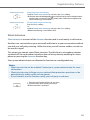
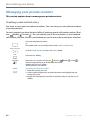
Scroll to the profile you want and press the Rename softkey.
➔The setting is stored.
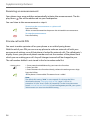
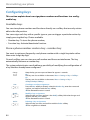
Delete profile:
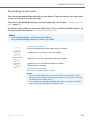
Scroll to the profile you want and press the Delete softkey.
➔The profile is deleted.
Activate profile
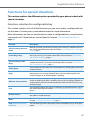
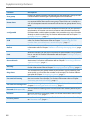
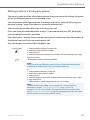
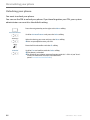
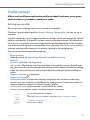
In your everyday phoning habits you want to adapt your phone’s ringing properties to
each situation.
The ringing properties are stored in different profiles. Select the profile you want from
the list of profiles.
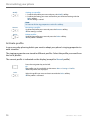
The current profile is indicated on the display (except for Normal profile).
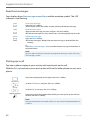
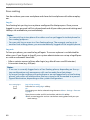
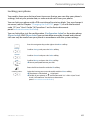
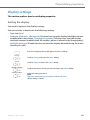
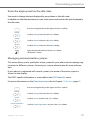
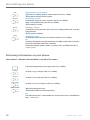
Press the navigation key to the left.
Or:
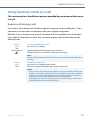
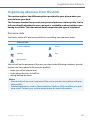
The profiles are also available via the menu: Menu > Settings > Profiles.
➔All the profiles are displayed.
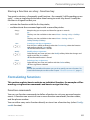
Select
72
Select the profile you want and activate with the Select softkey.
➔The profile is activated.
eud-1290/1.0 – R1.0 – 01.2011